
ClickBank disables accounts for security reasons and doesn't say why. There are four different situations: a declined sign-up, which support can't reverse (the way out is trying again with a different email and complete details); an account disabled after it was created, which you handle by opening a support ticket; an account closed for inactivity, which can't be reinstated; and a suspended account, where your balance is held until the suspension is lifted.
The notice arrives with no explanation
You log in to check your sales and the account is disabled — or it never existed, because the sign-up was declined. ClickBank's help page only says accounts can be disabled for a variety of reasons tied to the security of the community. Knowing which situation you're in decides whether you can recover the account, try again or simply wait.
Why did ClickBank disable my account?
1. Your sign-up was declined
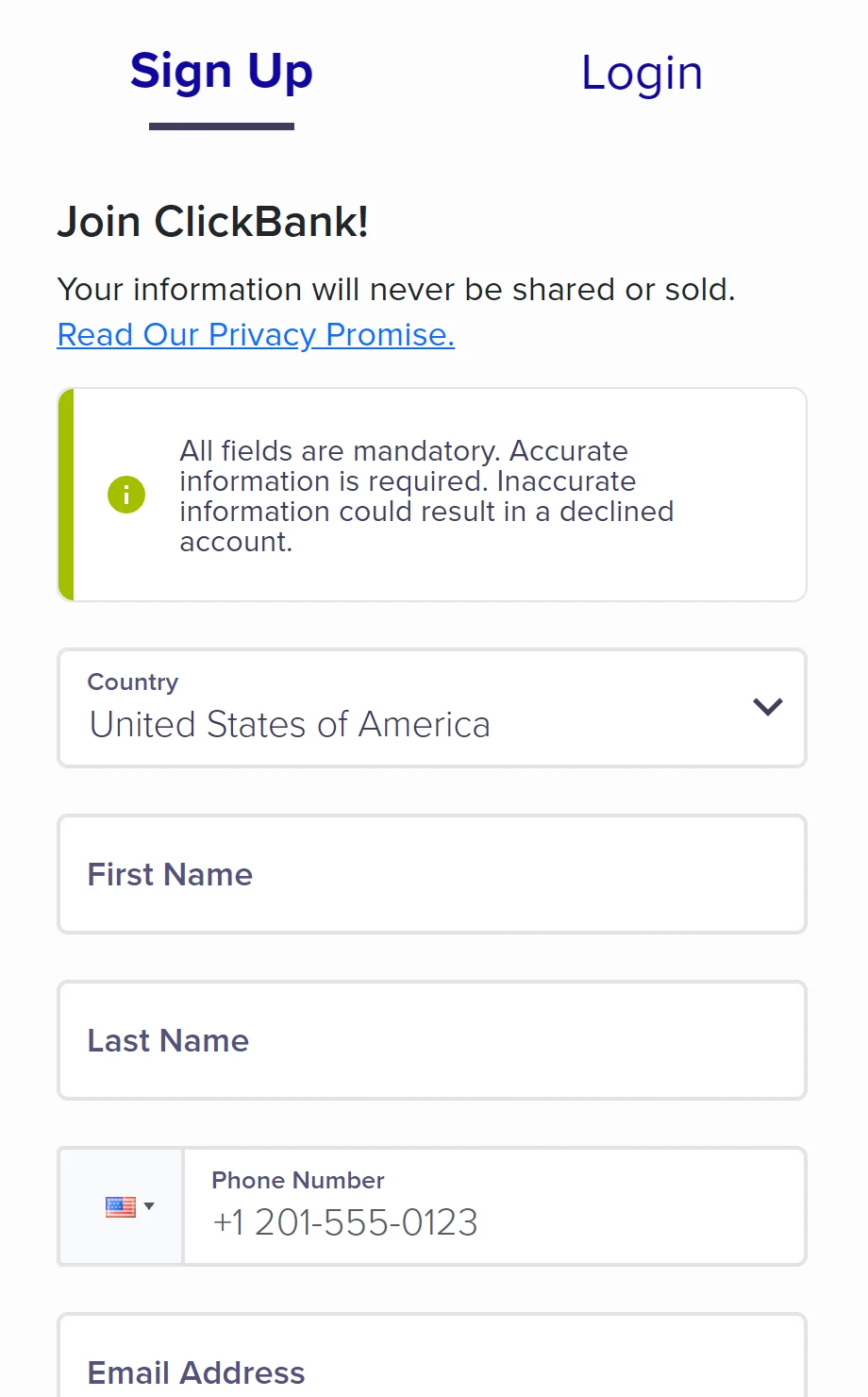
The decision comes from an automated risk system that looks for incomplete or inconsistent information. The reason isn't disclosed, and support can't reverse it. ClickBank's advice is to try again with a different email, with JavaScript and cookies enabled and every field complete — and, if it's declined again, to wait about three months. If you believe the security system made a mistake, write to support with the country you signed up from.
2. Your account was disabled after it was created
ClickBank doesn't list reasons or give a timeline. The way forward is to open a support ticket with your account email and nickname and answer whatever is asked — for example, identity verification with an original ID.
3. Your account was closed for inactivity
Accounts closed for inactivity can't be reinstated. Before that, a dormant account starts paying fees: $1 per period after 90 days with no earnings, $5 after 180 and $50 after 365.
4. Your account was suspended
A suspension comes from the risk department or from a breach of the contract. While it lasts, your whole balance is held.
How to keep ClickBank from disabling your account
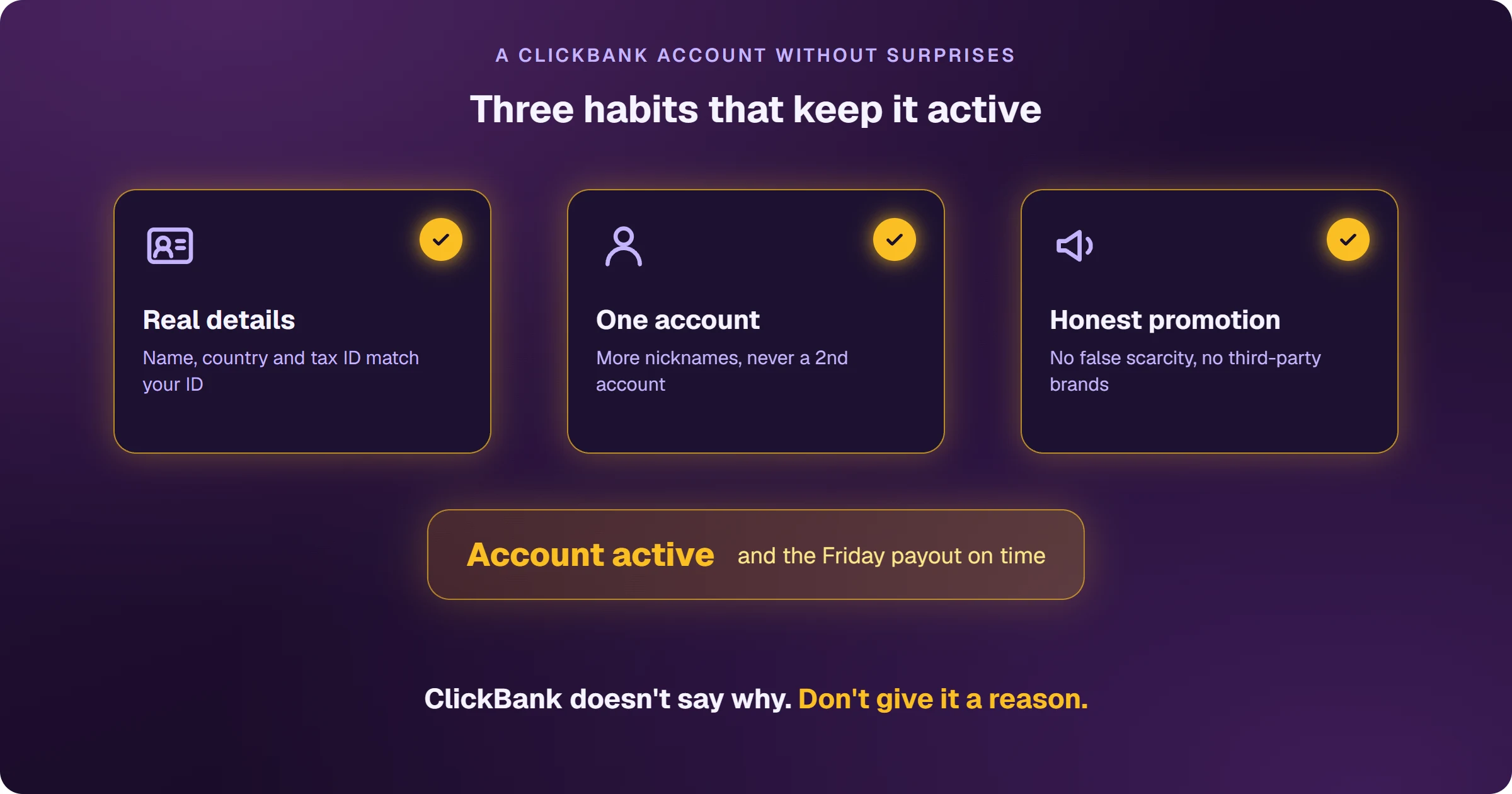
- Real details: name, country and tax ID matching your ID. The contract requires truthful information and allows ClickBank to close accounts without notice.
- One account: to separate projects, add extra nicknames to the same account.
- Honest promotion: ClickBank's rules ban misleading claims, false scarcity and posing as a neutral reviewer; they also ban bidding on third-party trademarks, cookie stuffing and spam.
- Verification on time: if ClickBank asks for identity verification, send an original ID — passport, national ID card or driver's license. Screenshots, scans and temporary documents aren't accepted.
- An account in use: a dormant account pays fees and can be closed.
How to contact ClickBank
Through the help center chat, Monday to Friday, 7:30 a.m. to 3:30 p.m. Mountain Time (MST), or by opening a ticket at Create Support Request. ClickBank doesn't give a response time.
Frequently asked questions
Do I lose my money if my account is disabled?
During a suspension, your balance is held until it's lifted. If the contract is breached, ClickBank may retain funds. That's why you should follow the promotional rules from your very first campaign.
Can I create another account?
Only for a declined sign-up does ClickBank suggest trying again, with a different email. For a disabled or suspended account, the way forward is a support ticket.
Still creating your account? Follow how to create a ClickBank account without getting declined.
Read next
- How ClickBank works and how affiliates earn
- How to create a ClickBank account without getting declined
- How to choose a ClickBank product: the numbers that matter
- How to get paid by ClickBank: payout days, fees and the first payment
- How to sell ClickBank on Google Ads and see every sale
Where do you access ClickBank?
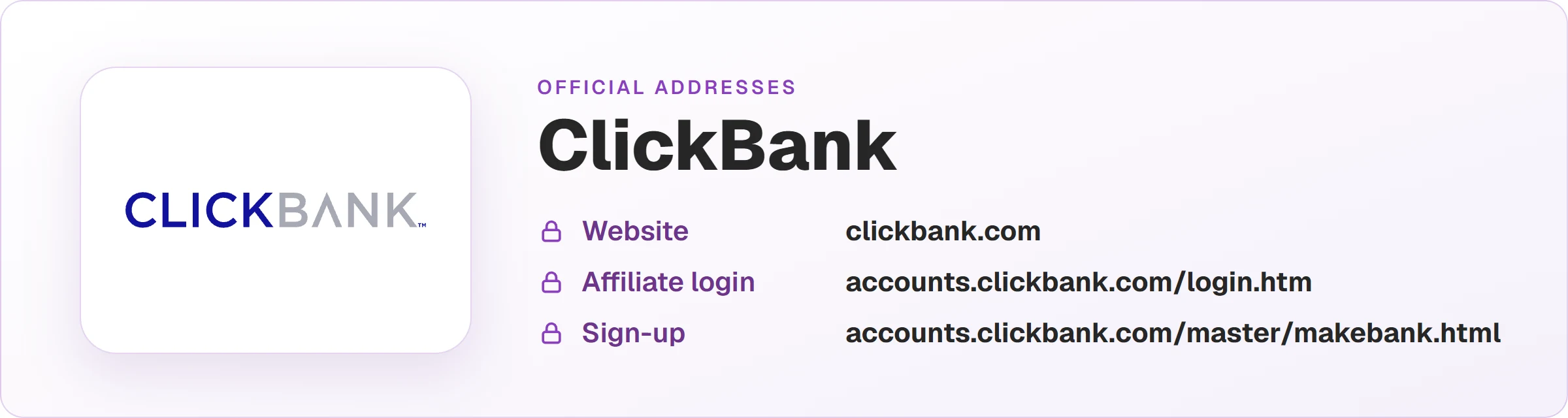
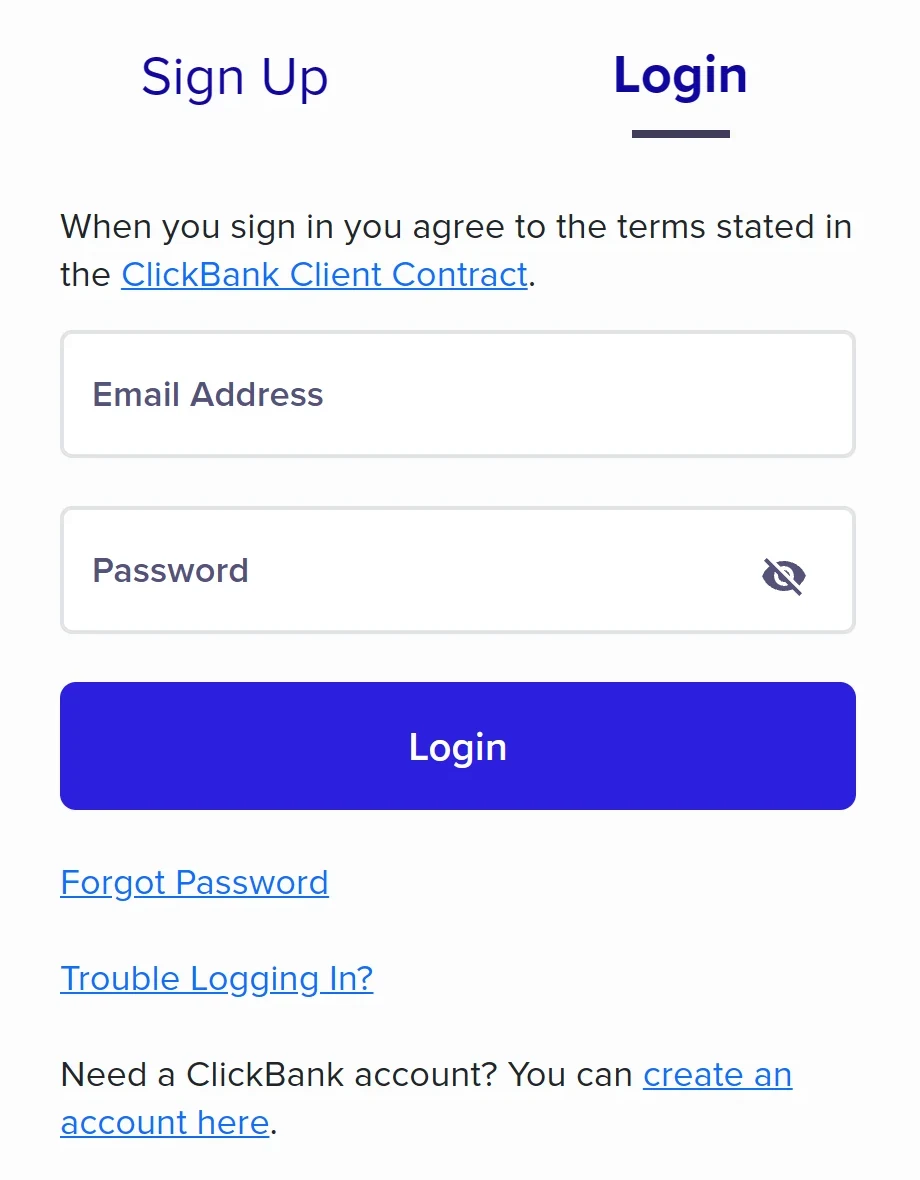
These are the official ClickBank addresses. Check that your browser shows accounts.clickbank.com before typing your password.
Sources
Information checked on October 25, 2026, on the official ClickBank pages below.
- Why is my account disabled
- Why was my sign-up declined and how to create an account
- Account FAQ: security declines and accounts closed for inactivity
- Security FAQ: suspensions and held funds
- ClickBank Client Contract
- Promotional Guidelines
- Prohibited seller and affiliate activities
- How to contact ClickBank
Want to know which ads bring ClickBank sales?
Every sale shows up tied to the ad that brought it, and the sale alert reaches your phone.