
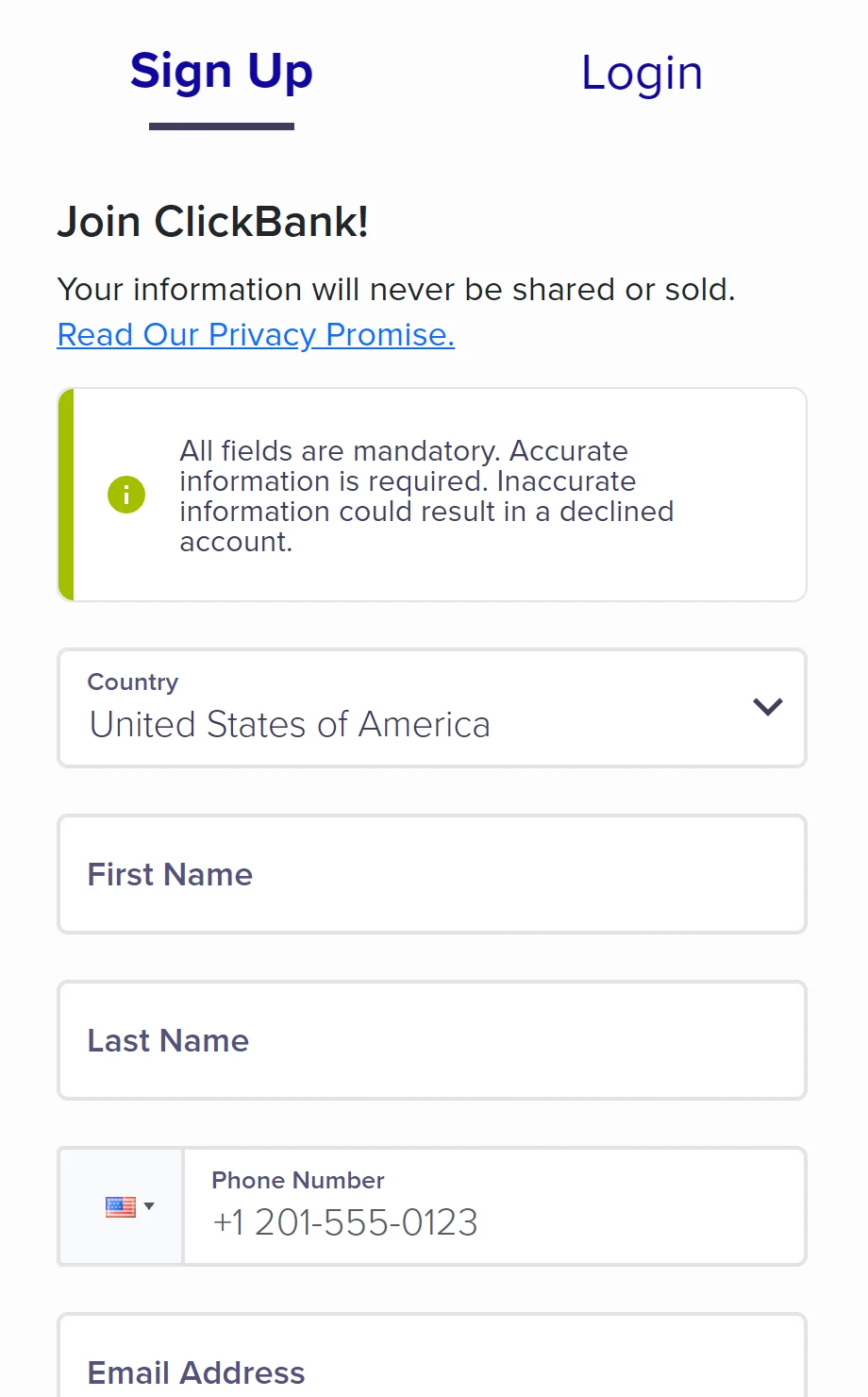
To create a ClickBank account, open the sign-up page (the Start Here button on the website), choose the country where you live and fill in first name, last name, phone, email and password. Accept the terms and click Join ClickBank!. It's free. Then complete your profile with your address and tax ID — under the same name as on your ID — and create your nickname, which can't be changed later.
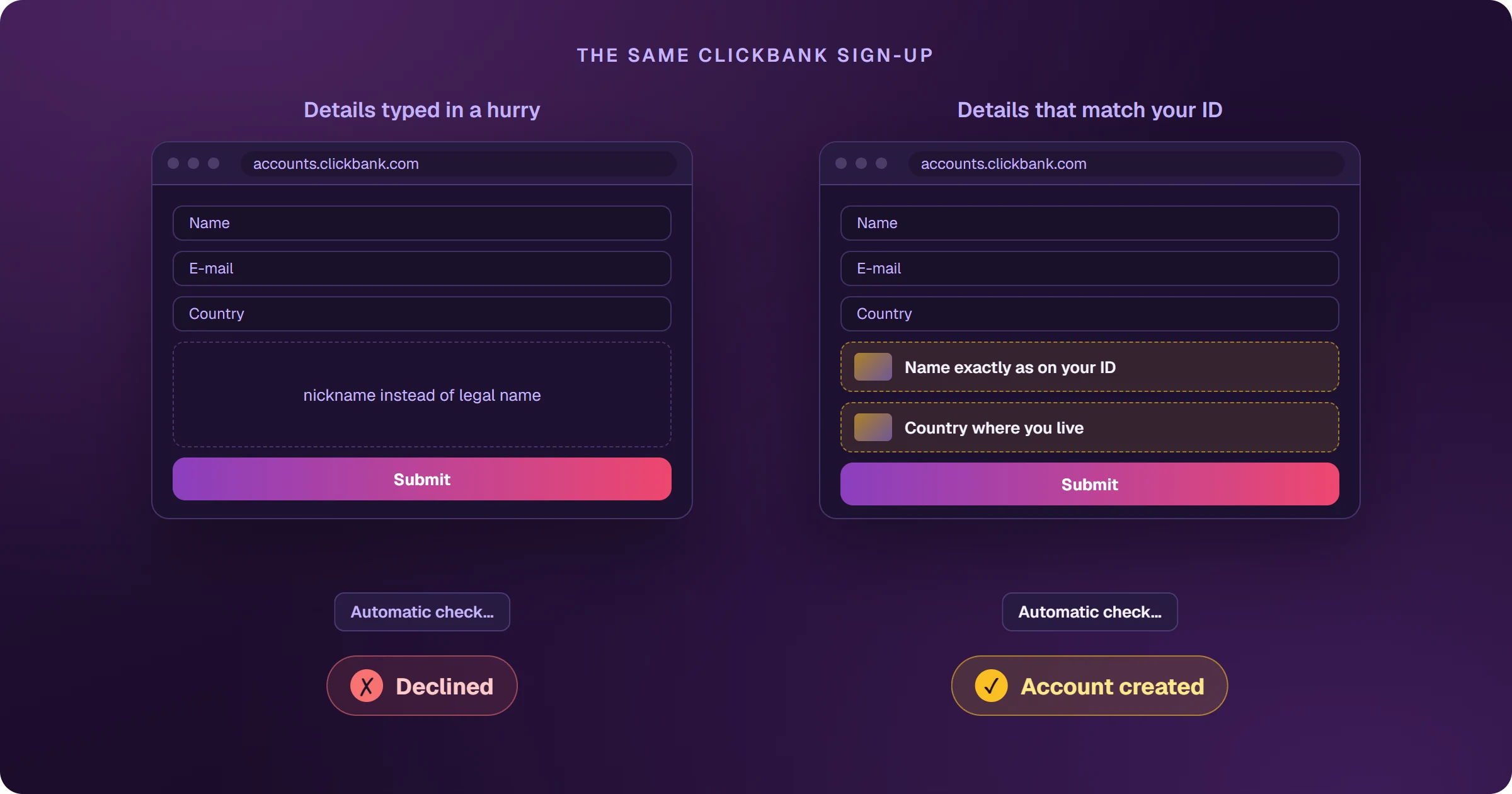
The sign-up that gets declined with no explanation
Many people fill in the form in two minutes, hit submit and get declined. ClickBank doesn't say why — for security — and support can't reverse it, because the decision comes from an automated risk system that looks for incomplete or inconsistent information. The form itself warns you: inaccurate information could result in a declined account. Getting it right the first time saves months.
How to create a ClickBank account, step by step
- Open accounts.clickbank.com/master/makebank.html, on the Sign Up tab.
- Under Country, choose the country where you actually live — India is on the list.
- Fill in First Name and Last Name exactly as on your ID.
- Enter your phone with the country code (+91 in India) and an email you actually use.
- Create a password following the rules below.
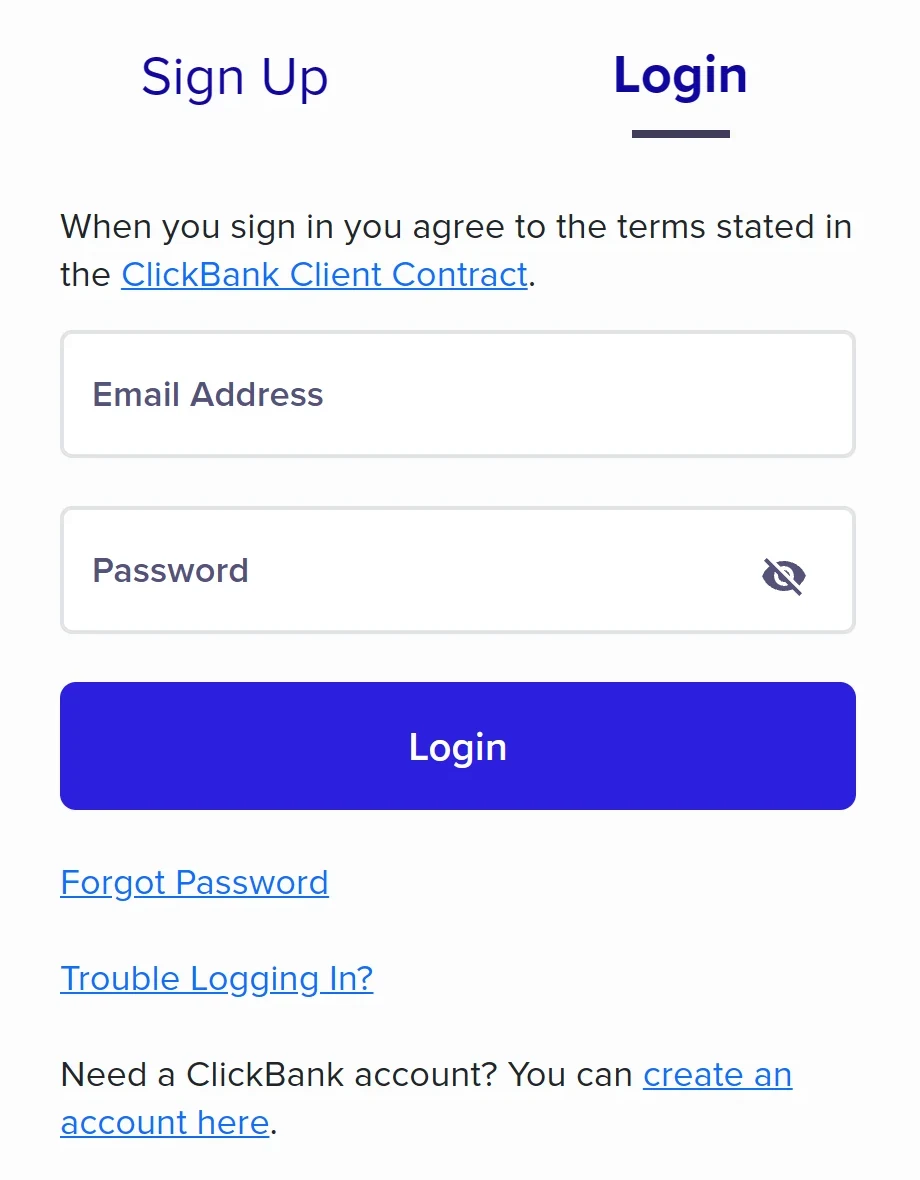
- Click Continue to Terms and Conditions, read them, tick the box and click Join ClickBank!.
The password rules
- At least 2 lowercase letters
- At least 2 uppercase letters
- At least 2 numbers
- At least 2 special characters (such as ! @ # $ %)
- No more than 32 characters, no spaces
What to do right after creating the account
- Complete your profile with your address and your country's tax ID (in India, usually your PAN). The name must match the payee name on your payouts.
- Create your account nickname. It appears in your links and can't be changed later.
- Choose how you'll be paid — see how to get paid by ClickBank.
Your nickname is the name that identifies your account in HopLinks. It can't be changed once created, but you can add extra nicknames to the same account — affiliates don't need a second account to promote more products.
What if your sign-up is declined?
ClickBank's advice: try again with a different email, with JavaScript and cookies enabled in your browser and every field filled in with complete details. If it's declined again, wait about three months before trying once more. If your account was created and later disabled, that's a different path — see ClickBank account disabled.
Frequently asked questions
How much does a ClickBank account cost?
Nothing, for affiliates. The activation fee is charged only to product owners who list a product.
Can I have two ClickBank accounts?
You don't need one. To separate products or projects, add extra nicknames to the same account.
Account created? The next step is choosing what to promote. See how to choose a ClickBank product.
Read next
- How ClickBank works and how affiliates earn
- How to choose a ClickBank product: the numbers that matter
- How to get paid by ClickBank: payout days, fees and the first payment
- ClickBank account disabled: why it happens and what to do
- How to sell ClickBank on Google Ads and see every sale
Where do you access ClickBank?
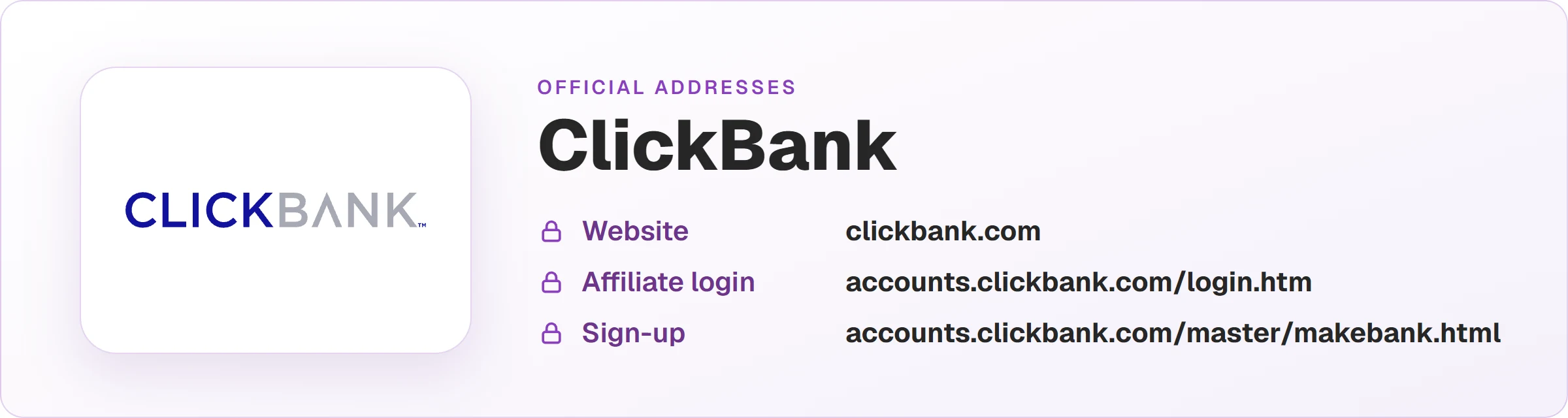
These are the official ClickBank addresses. Check that your browser shows accounts.clickbank.com before typing your password.
Sources
Sign-up fields and rules checked on October 25, 2026, on the form and the official pages below.
- How to sign up for a ClickBank account
- What is my account nickname
- Affiliates don't need more than one account
- Why was my sign-up declined and how to create an account
Planning to sell ClickBank products as an affiliate?
The presell comes ready on your domain and leads to the sales page, every sale shows the ad that brought it, and the sale alert reaches your phone.