
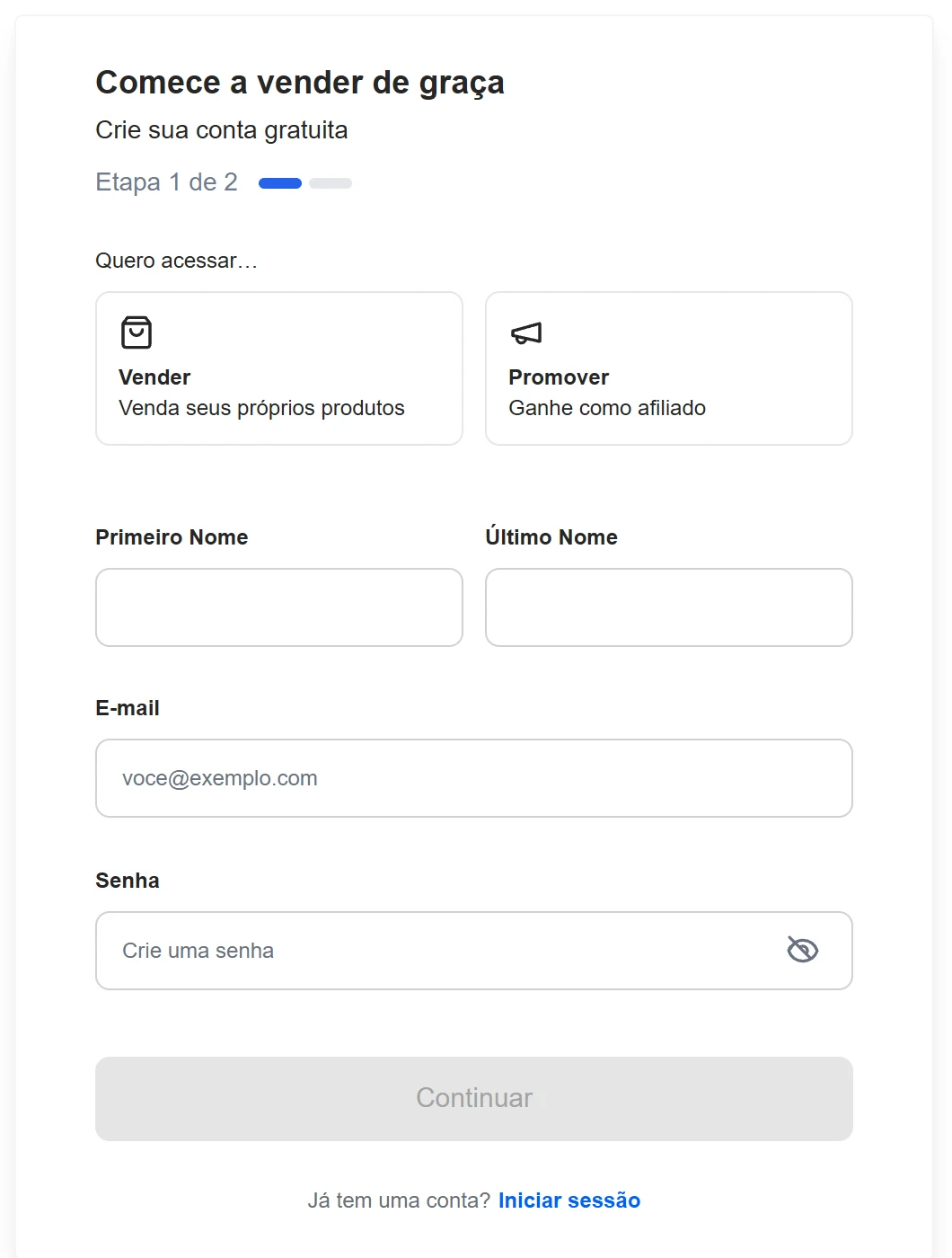
To sign up for Digistore24, open digistore24.com/signup, choose to promote products as an affiliate, fill in your first name, last name, email and password and finish both steps. It's free. The part that matters most comes next: Digistore24 only pays out to companies, so your account needs your company's address and details — not your personal address.
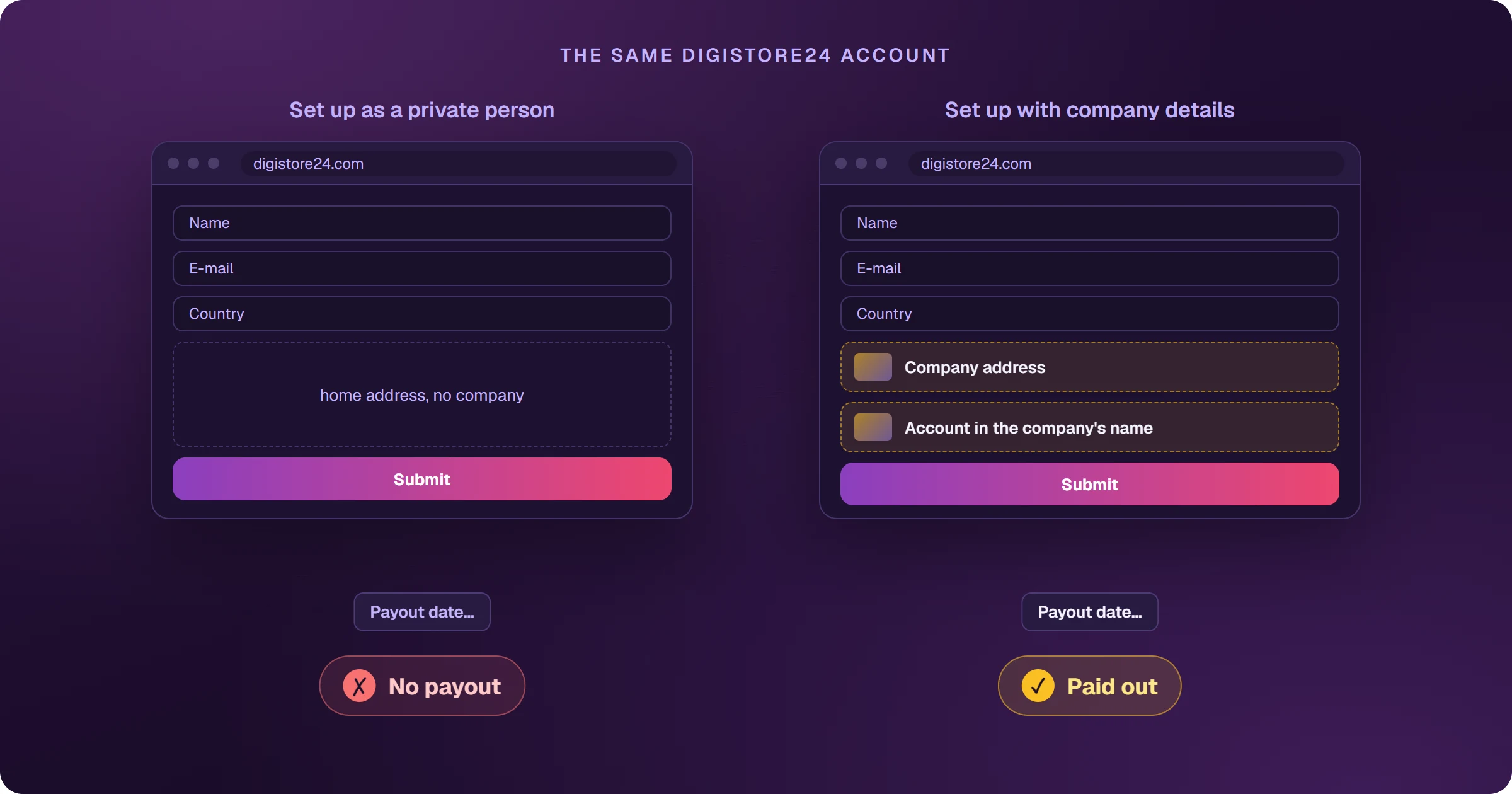
The account that sells but doesn't get paid
Sign-up takes two minutes, and your first sale can come the same day. The problem shows up on payout day: Digistore24 only pays companies, and an account set up as a private person piles up commissions it can't withdraw. Setting the account up right from the start saves weeks of money sitting still.
How to sign up for Digistore24, step by step
- Open digistore24.com/signup.
- Choose to promote products and earn as an affiliate (not to sell your own products).
- Fill in first name, last name, email and password, and continue.
- Finish step 2 and confirm your email.
What to set up before your first sale
- Company address: Digistore24 itself asks that the account address be your company's, not your personal one — affiliate marketing is a commercial activity.
- A payout account in the company's name: the holder must match your bank account exactly.
- Payout dates, minimum, currency and method — see how to get paid by Digistore24.
- The contract of the reseller that will pay you, accepted under Account details > Reseller contracts.
- Two-factor authentication on login, required by the terms.
In India, a company account means using the details of a business you own. Sort out the tax questions — business type, invoicing, taxes — with your accountant before you start selling.
Your Digistore24 ID
Your ID is your account name, and it appears in your promolinks. You can change it, but only every 7 days, and it must be 4 to 31 characters long, start with a letter and use only letters, numbers, hyphens and underscores.
Frequently asked questions
How much does it cost to sign up for Digistore24?
Nothing. The affiliate account is free.
Can I sell before setting up the company details?
You can sell, but payouts only go to companies. Set up the details before your first payout date.
Account ready? The next step is choosing what to promote. See how to choose a Digistore24 product.
Read next
- How Digistore24 works and how affiliates earn
- How to choose a Digistore24 product: the marketplace numbers
- How to get paid by Digistore24: payout dates, minimums and methods
- Digistore24 vs ClickBank: which one to choose as an affiliate
- How to sell Digistore24 on Google Ads and see every sale
Where do you access Digistore24?
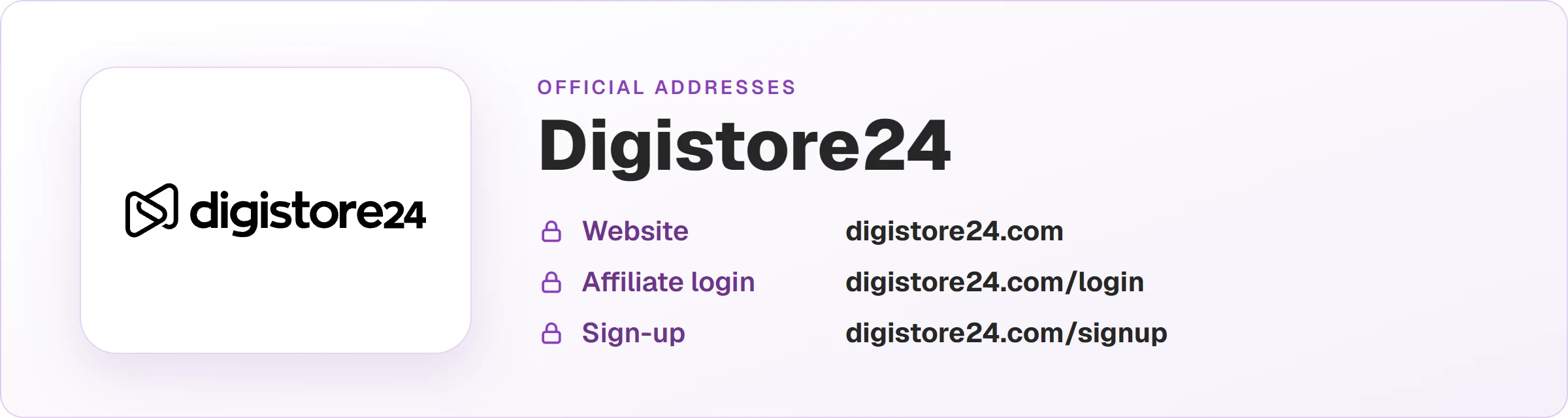
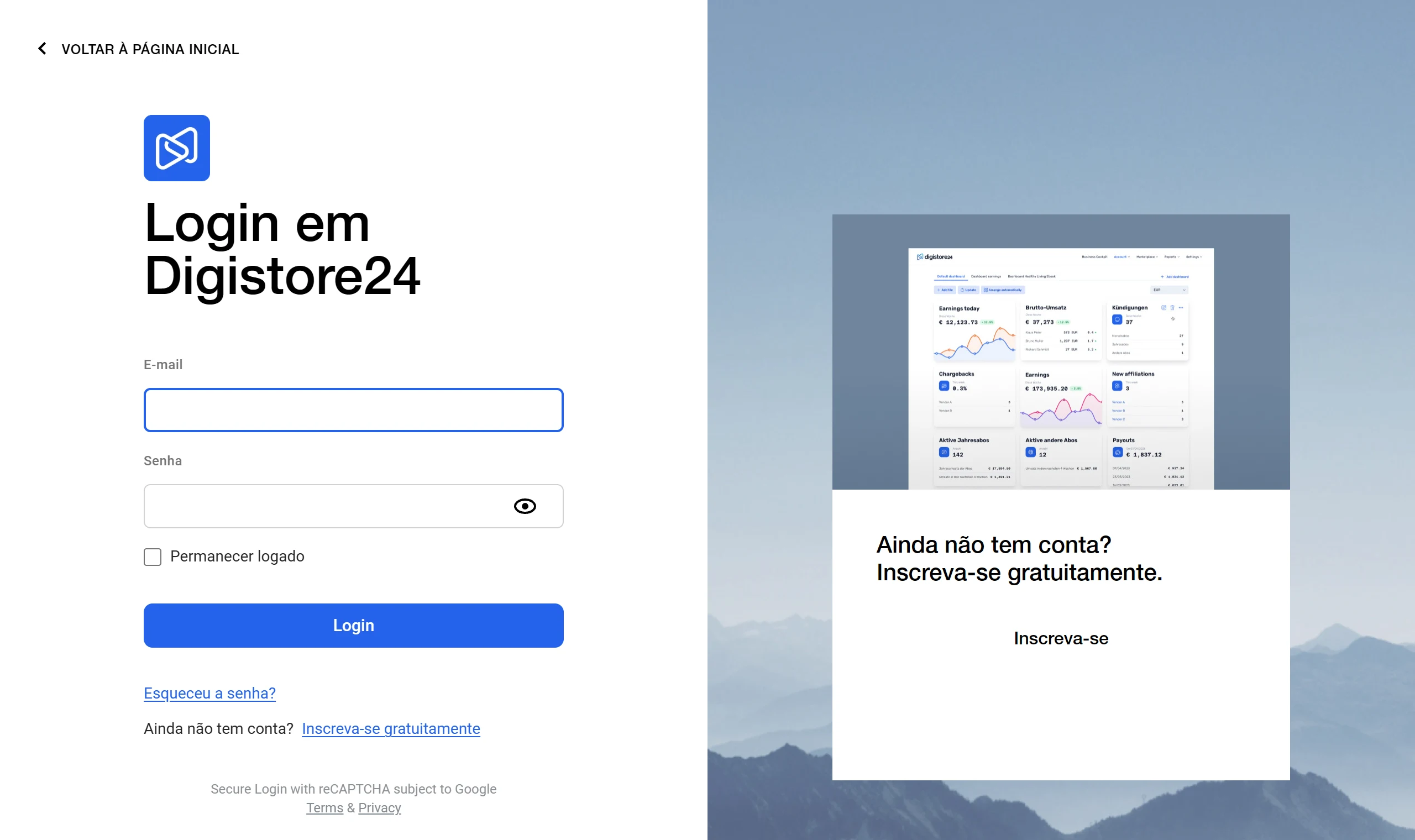
These are the official Digistore24 addresses. Check that your browser shows digistore24.com before typing your password — after you log in, the dashboard opens on digistore24-app.com.
Sources
Sign-up checked on October 25, 2026, on the form and the official pages below.
- Getting started as an affiliate
- Set up your Digistore24 account as an affiliate (company address)
- Change your Digistore24 ID
- Your most important questions regarding your payouts
- Requirements for payout
Planning to sell Digistore24 products as an affiliate?
The presell comes ready on your domain and leads to the sales page, every sale shows the ad that brought it, and the sale alert reaches your phone.