
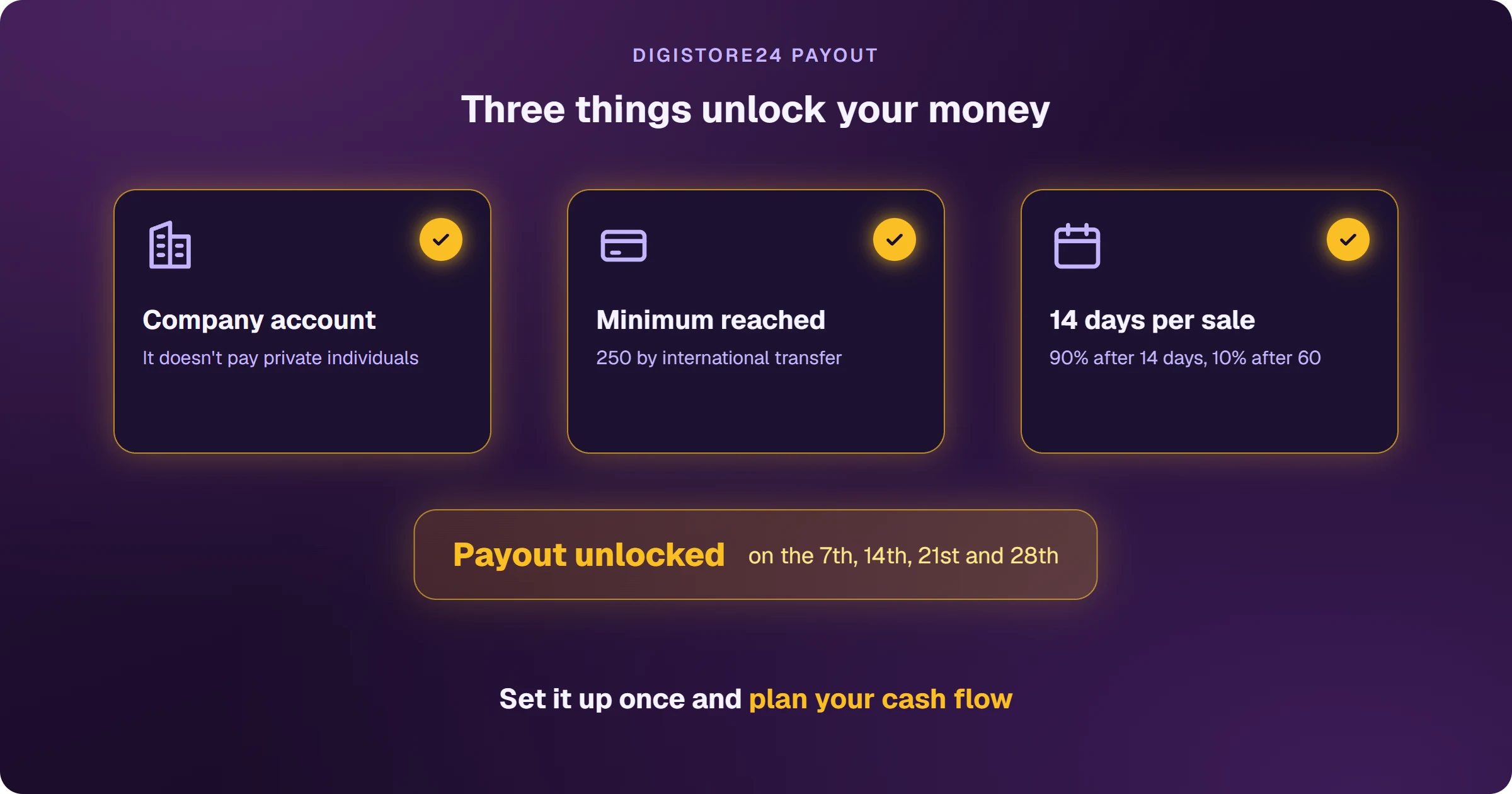
Digistore24 pays out on up to four dates a month — the 7th, 14th, 21st and 28th — and only to companies. The minimum is 50 on the 7th and 200 on the other dates, rising to 250 for international bank transfers. From India, you can be paid by PayPal, by international transfer or in US dollars to a Payoneer account. Each sale releases 90% of the commission after 14 days and the other 10% after 60.
Sales come in, the date passes and nothing arrives
It's the most common question from new Digistore24 affiliates. The reason is almost always one of these: the account isn't set up as a company, the balance hasn't reached that date's minimum, your chosen date hasn't come yet, or the commission is still in its 14-day holding period. All of them are fixed in your settings.
When does Digistore24 pay?
- The 7th: from 50 (euros, dollars, Swiss francs or pounds)
- The 14th, 21st and 28th: from 200
- International bank transfer, any date: from 250
- After the payout date, the money takes up to 10 business days to arrive
You choose one, two or all four dates — the default for affiliates is the 7th and 21st — and you can set a minimum higher than the table.
Digistore24 keeps a reserve: 90% of each sale's commission becomes available after 14 days, and the remaining 10% after 60. On higher-priced products, it may take longer.
How do you get paid by Digistore24 from India?
- PayPal: available with every Digistore24 reseller. Verifying your PayPal account costs 1.00.
- International bank transfer: to your company account, with a 250 minimum on any date. Your own bank may charge to receive it.
- Payoneer: it isn't a Digistore24 payout method, but the US account details Payoneer gives you work as a US transfer (ACH). It only applies to sales through Digistore24 Inc. and in US dollars.
What has to be set up?
- A company account: Digistore24 doesn't pay private individuals.
- Payout dates and minimum.
- Currency, payout method and payout account, with the holder exactly matching your bank account.
- The reseller contract accepted under Account details > Reseller contracts.
Frequently asked questions
How long does Digistore24 take to pay?
Each sale's commission becomes available after 14 days (90%) and 60 days (10%). It goes out on your next chosen date where the balance is above the minimum, and takes up to 10 business days to arrive.
Does Digistore24 charge a payout fee?
Yes, a fee per payout that depends on the method and the reseller. On international transfers, your bank may charge too.
What happens if a customer asks for a refund?
The commission on that sale is reversed. If it was already paid, it can be deducted from future commissions.
Want bigger payouts? That depends on knowing which ads bring sales. See how to sell Digistore24 on Google Ads and see every sale.
Read next
- How Digistore24 works and how affiliates earn
- How to sign up for Digistore24 and get your account ready to be paid
- How to choose a Digistore24 product: the marketplace numbers
- Digistore24 vs ClickBank: which one to choose as an affiliate
- How to sell Digistore24 on Google Ads and see every sale
Where do you access Digistore24?
These are the official Digistore24 addresses. Check that your browser shows digistore24.com before typing your password — after you log in, the dashboard opens on digistore24-app.com.
Sources
Payout rules checked on October 25, 2026, in the official help center. Check the current version before planning your cash flow.
- Payout: set dates and thresholds
- Your most important questions regarding your payouts
- Payout: set method and currency
- How to get paid to your Payoneer account
- Requirements for payout
- Terms for vendors and affiliates (resale in its own name, commission reversal)
Want to know which ads bring Digistore24 sales?
Every sale shows up tied to the ad that brought it, and the sale alert reaches your phone.