
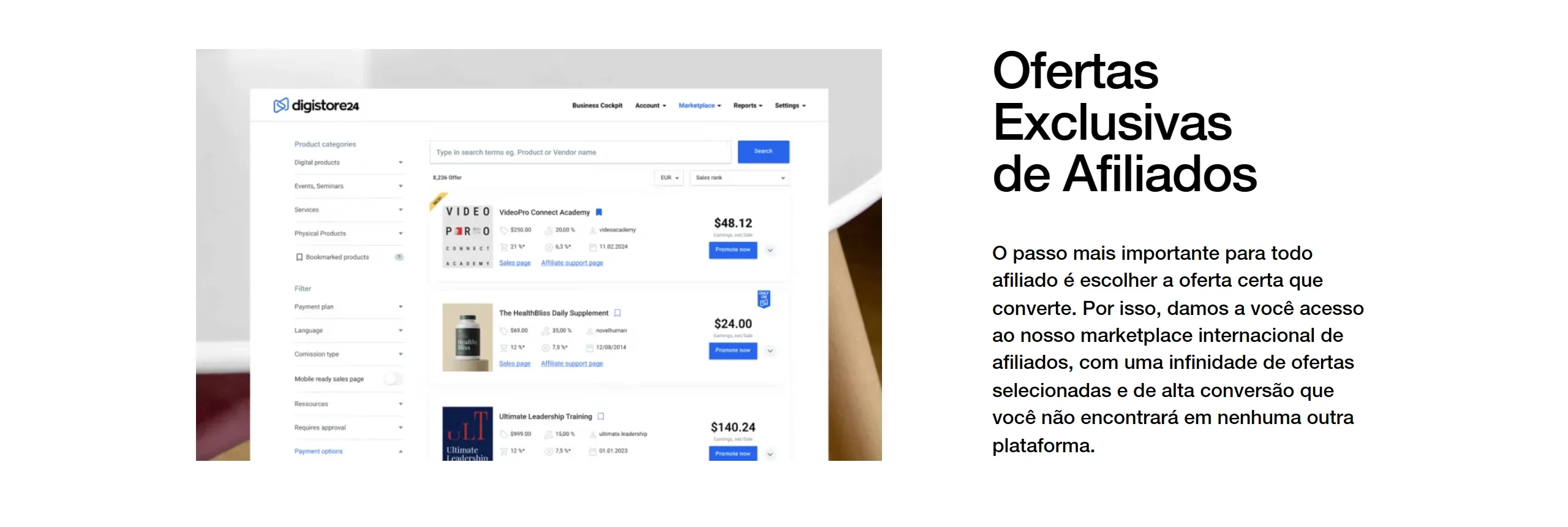
To choose a Digistore24 product, open the marketplace (you need to be logged in) and compare three numbers: net earnings per sale, cart conversion and cancellation rate. Sort by cart conversion or earnings per sale, filter by category and automatic acceptance, and only then request the partnership and copy the promolink.
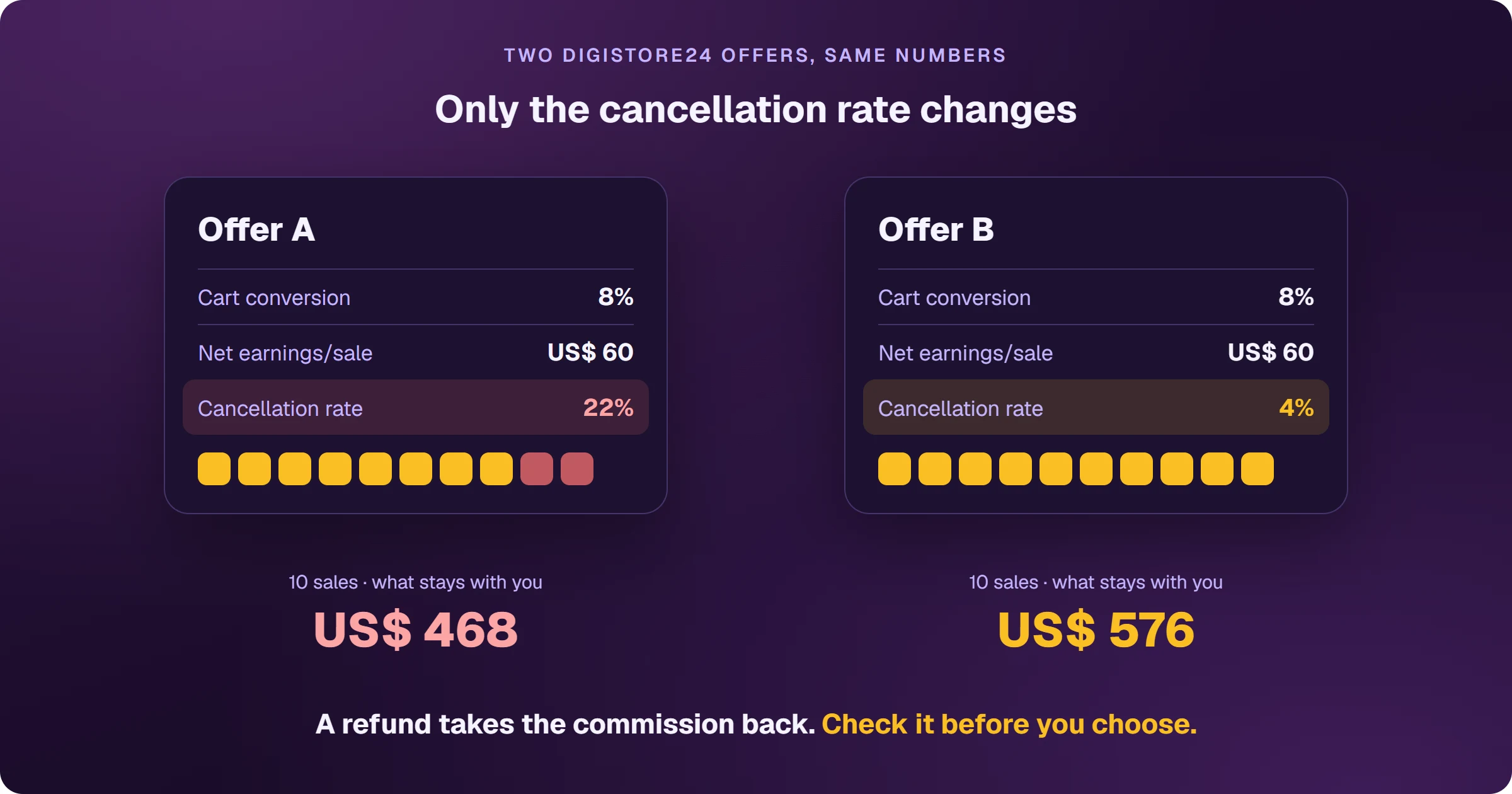
The high commission that turns into a reversal
It's tempting to pick the highest commission on the list. But on Digistore24, every sale that comes back as a refund or chargeback takes the commission with it — and on some offers, a large share of sales comes back. Checking the cancellation rate before you advertise is what separates the commission in your dashboard from the one that reaches your account.
What do the Digistore24 marketplace numbers mean?
- Commission: the percentage the vendor pays per sale.
- Net earnings/sale: what you earn on average per sale, including upsells.
- Earnings/order form visitor: what each person who reaches the checkout is worth.
- Cart conversion: the share of people who open the order form and buy.
- Cancellation rate: the share of sales that come back as returns or chargebacks.
- Online since: how long the offer has been in the marketplace — new ones, from the last 90 days, carry a NEW! badge.
- Payment methods: how the buyer can pay.
How do you request a partnership and get the promolink?
On the offer you picked, click Promote now. On some offers, the partnership is accepted instantly; on others, the vendor reviews the request. Once it's accepted, the Copy promolink button appears — the link is also under Sales & partners > Content links. Don't use link shorteners like bit.ly: Digistore24 asks that the promolink be used as is.
Filters save time: category, payment methods, price, commission type and whether the partnership is accepted automatically. To start without waiting for a review, filter for offers with automatic acceptance.
Frequently asked questions
Can I browse the marketplace without an account?
No. The marketplace is inside the dashboard; you need an account — see how to sign up for Digistore24.
What sells best on Digistore24?
The marketplace lets you sort by cart conversion and earnings per sale — that's how you see what's selling now. Always check the cancellation rate before choosing.
Planning to promote with Google Ads? The ad needs a page of your own before the sales page, and each sale needs to flow back to your ad platform. See how to sell Digistore24 on Google Ads.
Read next
- How Digistore24 works and how affiliates earn
- How to sign up for Digistore24 and get your account ready to be paid
- How to get paid by Digistore24: payout dates, minimums and methods
- Digistore24 vs ClickBank: which one to choose as an affiliate
- How to sell Digistore24 on Google Ads and see every sale
Where do you access Digistore24?
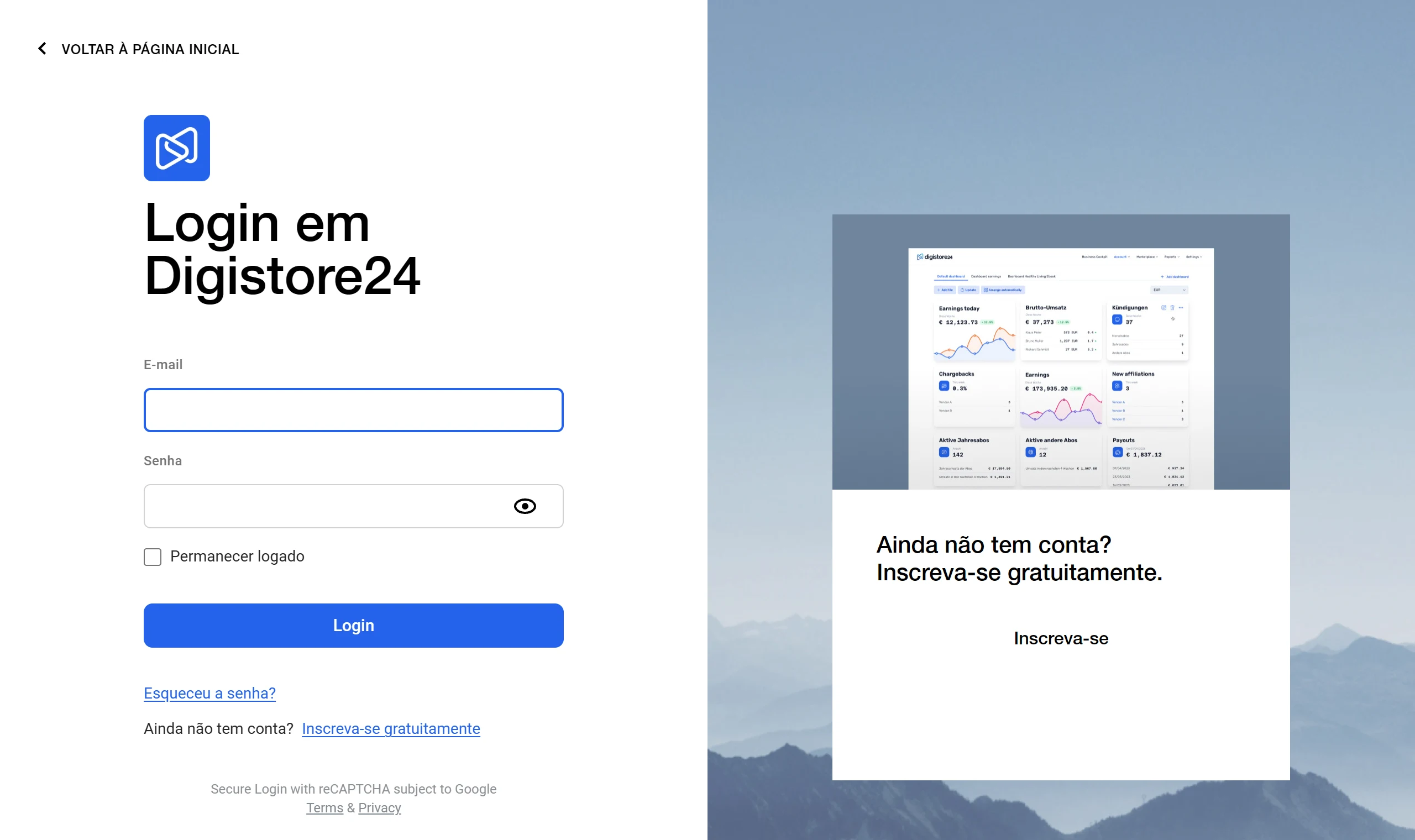
These are the official Digistore24 addresses. Check that your browser shows digistore24.com before typing your password — after you log in, the dashboard opens on digistore24-app.com.
Sources
Definitions checked on October 25, 2026, on the official pages below.
- Find products to promote: marketplace metrics
- Getting started as an affiliate
- Terms for vendors and affiliates (resale in its own name, commission reversal)
Planning to sell Digistore24 products as an affiliate?
The presell comes ready on your domain and leads to the sales page, every sale shows the ad that brought it, and the sale alert reaches your phone.