
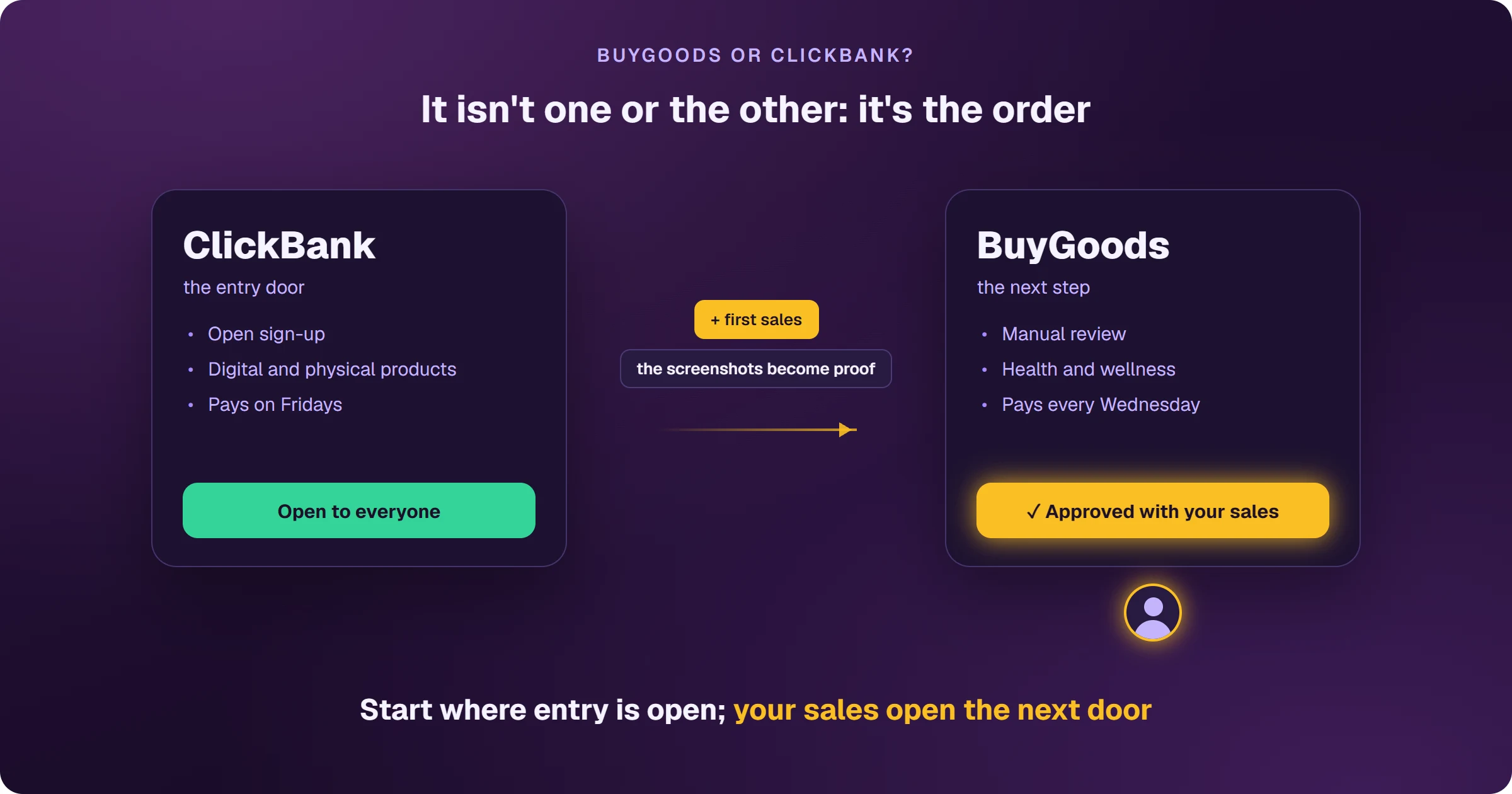
ClickBank is the entry door: affiliate sign-up is open and the catalog mixes digital and physical products. BuyGoods is the next step: entry goes through a manual review that asks for proof of results or a referral, and the catalog focuses on health and wellness. If you're starting with no track record, start on ClickBank; if you already have sales to show, apply to BuyGoods and work both.
The question that stalls the first campaign
Affiliates deciding to sell to the US spend days comparing platforms instead of running ads. The choice is simpler than it looks, because the two don't compete for the same moment: one welcomes affiliates who haven't proven anything yet; the other asks you to have proven it already.
How do BuyGoods and ClickBank compare?
Entry
ClickBank: free, open affiliate sign-up; you pick a product, click Promote and get your link (HopLink). BuyGoods: every application is reviewed manually and asks for proof of past results or a referral; after that, each offer is either available right away (Promote) or needs approval (Apply to promote).
Catalog
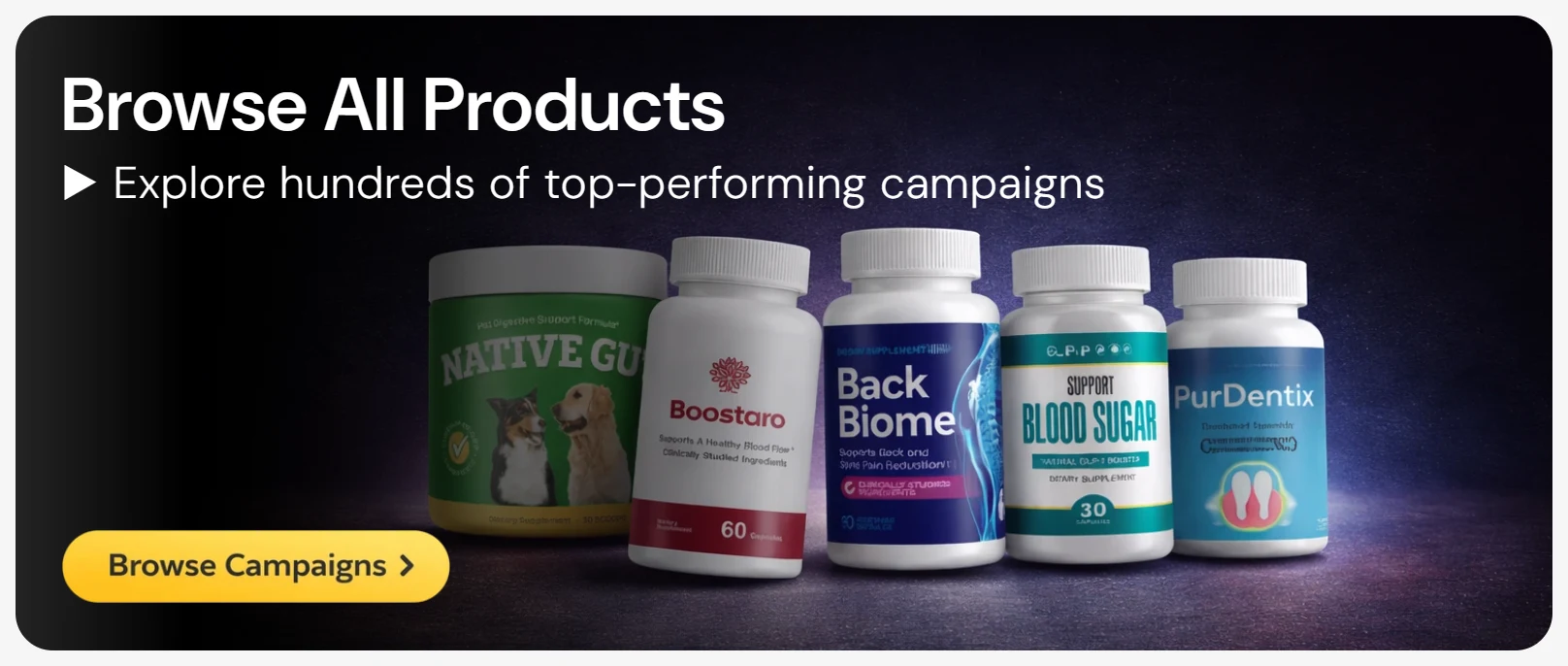
ClickBank: a broad marketplace, mostly digital products with some physical ones. BuyGoods: health and wellness offers, the nutraceutical niche, almost always with a ready-made sales page.
Payouts
ClickBank: weekly or every other week, on Fridays, by direct deposit, wire or check (check is the default), no PayPal. Before the first payment you must reach your account threshold ($100 by default) and have 5 sales made with at least 2 different payment methods. BuyGoods: every Wednesday, and more often each week from $15,000 a month, by Payoneer (free), PayPal ($3), wire ($40) or ACH (US only). The first payout only goes out after 5 unique purchases on one offer and once your first offer is 30 days old — details in how to get paid by BuyGoods.
Both hold the first payout until they see sales from different customers: on ClickBank, 5 sales with 2 payment methods; on BuyGoods, 5 unique purchases on one offer. It protects against affiliates buying through their own link — and only applies to releasing the first payout.
Which one should you choose?
- No sales history: start on ClickBank — entry is open and your first sales become the proof BuyGoods asks for.
- Already selling and want nutraceuticals with ready-made sales pages: apply to BuyGoods with screenshots of your results.
- Already on both: choose by offer, not by platform — what matters is the commission in dollars and whether the product converts with your traffic.
On both, Google Ads advertisers need a page on their own domain before the sales page and a way to see every sale flow back to Google Ads. See how to sell BuyGoods with Google Ads and the how to sell ClickBank on Google Ads.
Where do you access BuyGoods?
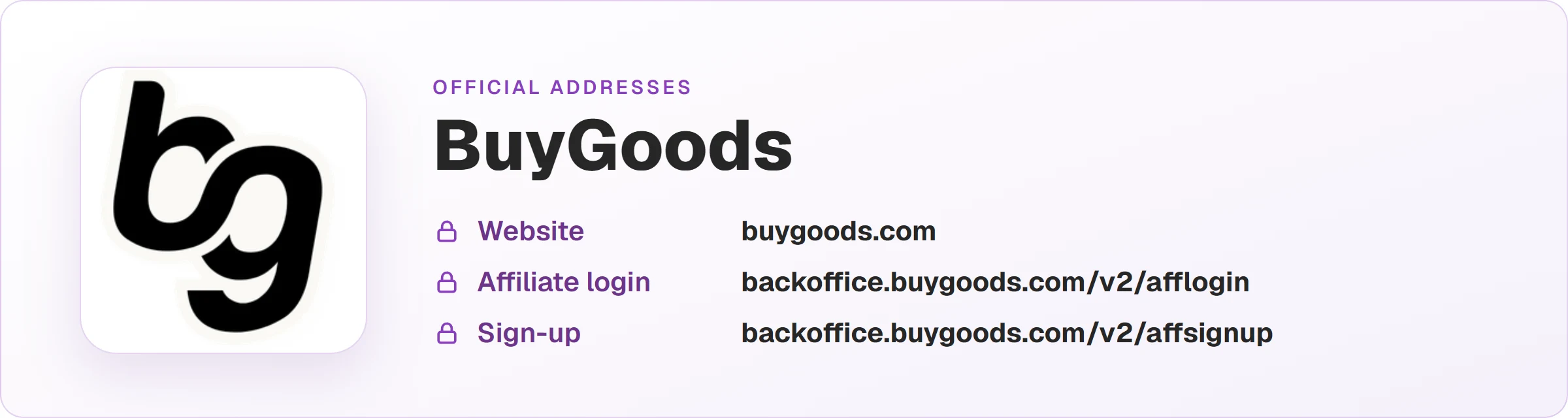
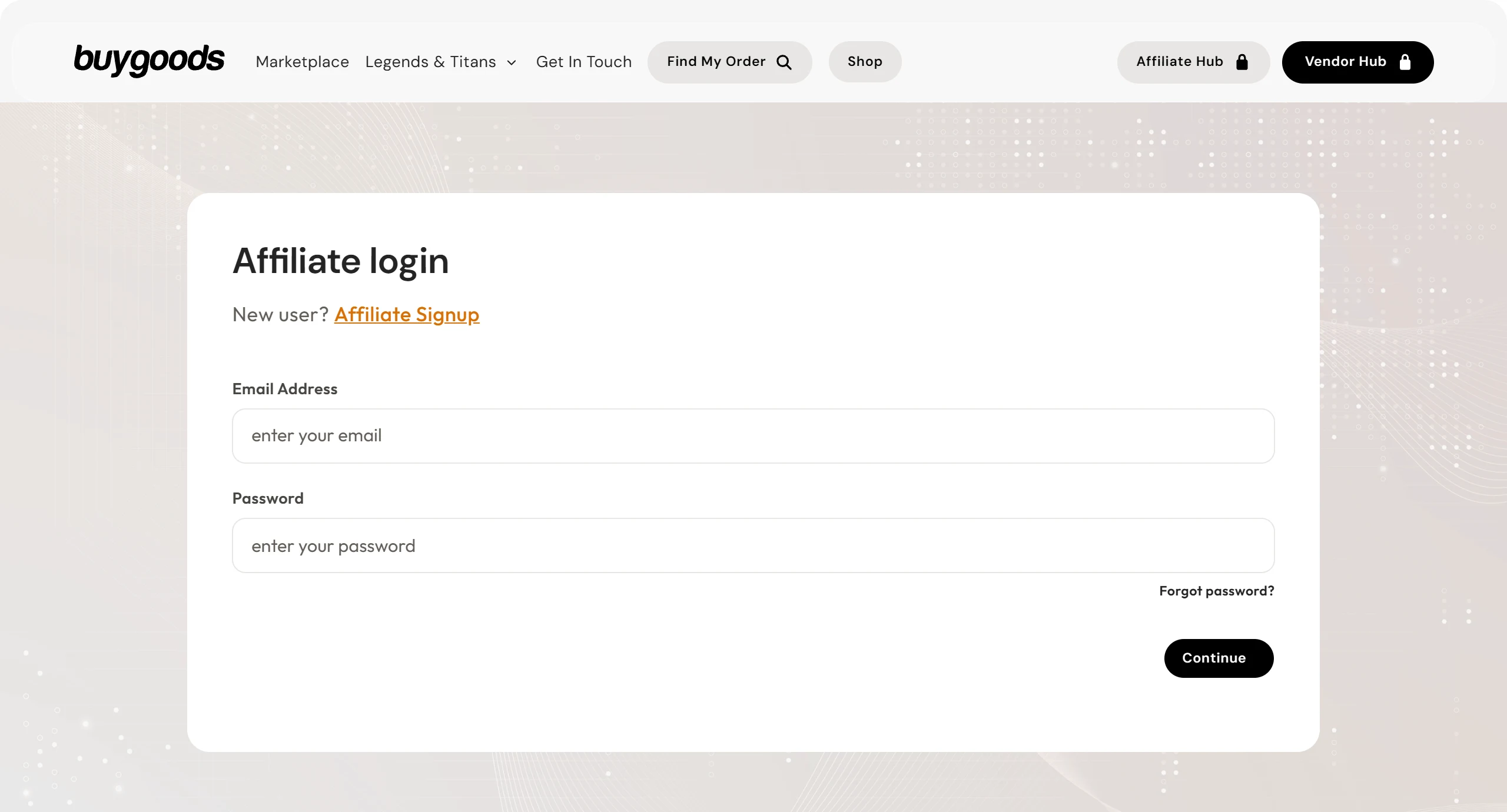
These are the official BuyGoods addresses. Check that your browser shows backoffice.buygoods.com before typing your password.
Read next
- How BuyGoods works and how affiliates earn
- How to get approved on BuyGoods: what to send with your application
- How to get paid by BuyGoods: payout days and methods
- How to sell BuyGoods on Google Ads and see every sale
Sources
Rules for both platforms checked on October 25, 2026, on the official pages below.
- BuyGoods website: affiliate entry
- BuyGoods FAQ: Promote and Apply to promote offers
- BuyGoods payments: frequency, methods, fees and first payout
- ClickBank help center — payments and customer distribution requirement
Running BuyGoods or ClickBank offers on Google Ads?
The presell comes ready on your domain and leads to the sales page, and every sale from both platforms shows the ad that brought it.