
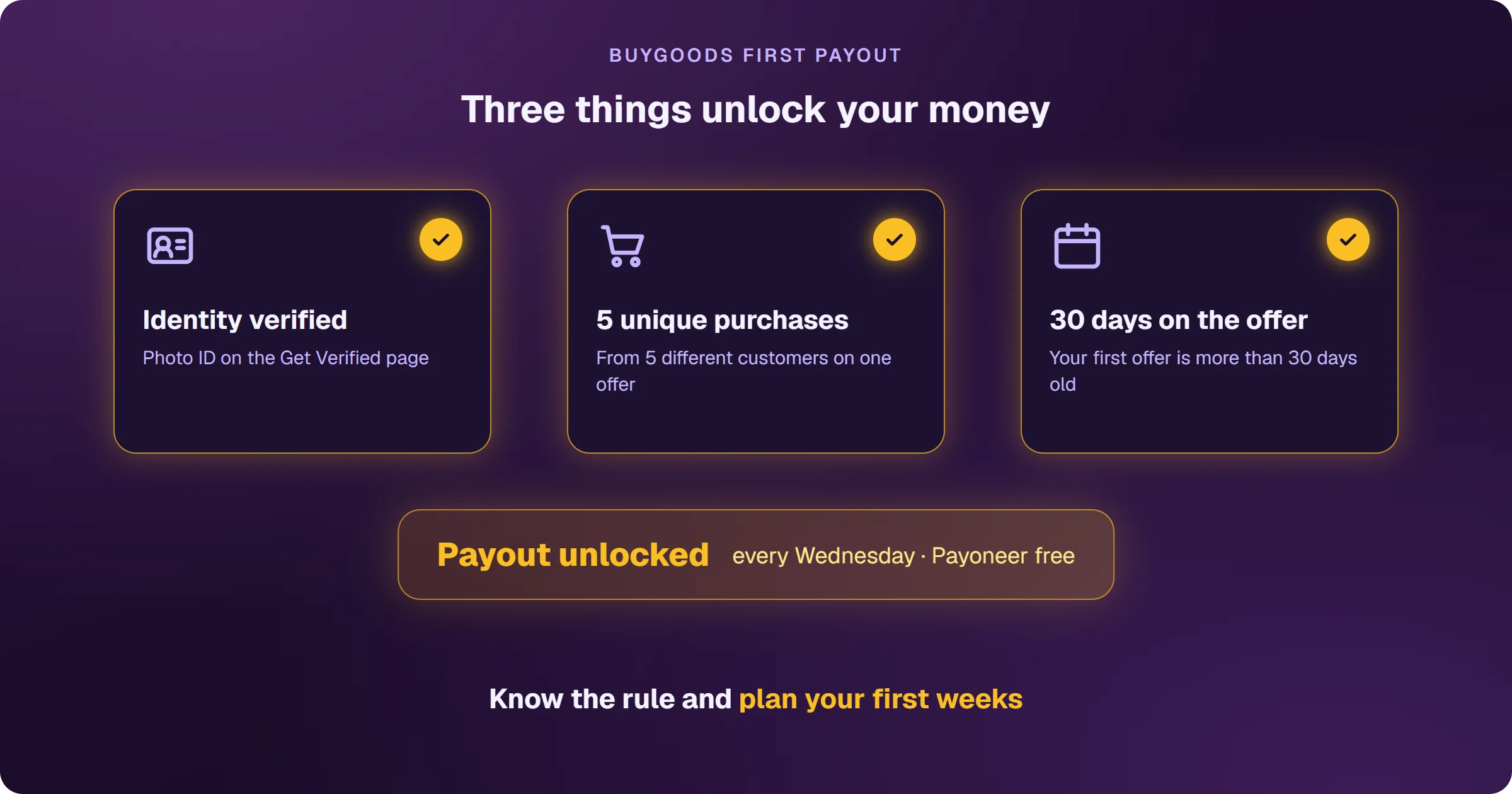
BuyGoods pays affiliates every Wednesday — on Mondays and Wednesdays from $15,000 a month, or Mondays, Wednesdays and Fridays from $30,000. Payouts go out by Payoneer (free), PayPal ($3), wire transfer ($40) or ACH (free, US only). Before the first one, three things must be in place: identity verification, 5 purchases from different customers on one offer, and your first offer being more than 30 days old.
The commission is in the dashboard, but the first payout doesn't arrive
It's the most common scare for new BuyGoods affiliates: sales come in, the commission shows up, Wednesday passes and nothing lands in the account. It isn't a delay — it's the first-payment rule, which exists to protect the program from fraud. Affiliates who know the rule plan their first weeks of cash flow; those who don't think they've been blocked.
What holds the first BuyGoods payout?
- Identity verification: under anti-money-laundering rules, BuyGoods verifies every affiliate before paying. Upload your photo ID on the Get Verified page in the back office.
- 5 unique purchases on one offer: purchases from 5 different customers on the same product.
- 30 days on the offer: the balance is held until your first offer is more than 30 days old.
Once all three are met, payouts go out automatically, starting on the next payout day.
When does BuyGoods pay?
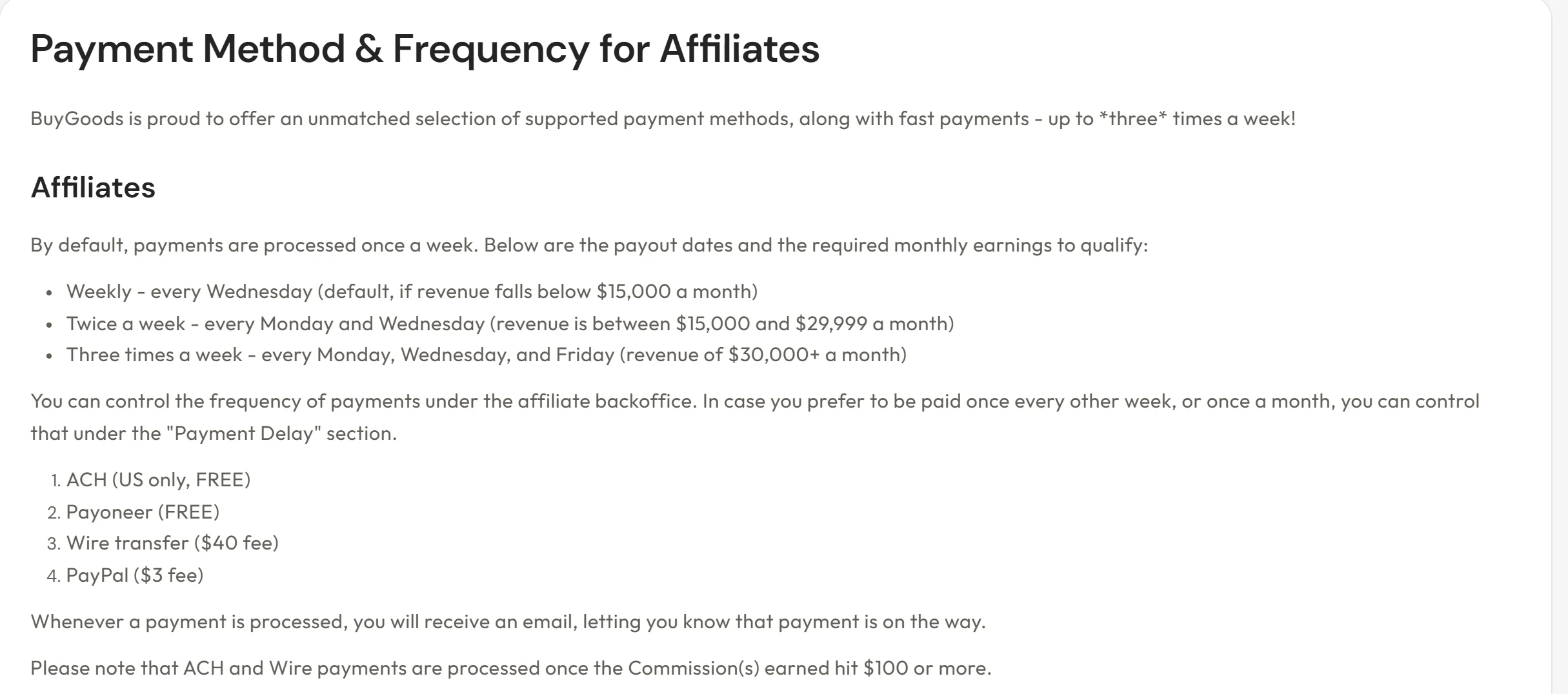
- Up to $14,999 a month: every Wednesday
- $15,000 to $29,999 a month: Mondays and Wednesdays
- $30,000 or more a month: Mondays, Wednesdays and Fridays
If you'd rather be paid every other week or once a month, you can change it under Payment Delay in the back office.
How much does it cost to get paid, and how long does it take?
- Payoneer: free; arrives in 3 business days
- PayPal: $3 per payout
- Wire transfer: $40 per payout; 2 to 3 business days outside the US; only from $100
- ACH: free, US accounts only; 2 business days; only from $100
Payoneer is a digital account that receives international payments in dollars and lets you transfer to a local bank account. Outside the US, it's the BuyGoods option with no fee.
The 10% reserve on percentage commissions
BuyGoods commissions can be per lead (CPL), per customer (CPA) or a percentage of each order (revshare). On revshare, 10% of gross sales is held from each payout as a reserve for refunds and chargebacks, until the reserve reaches 10% of the last 6 months of sales — from then on, nothing more is held. Per-customer commissions (CPA) have no reserve.
How do you set up payouts?
- In the back office, click your account name in the top-right corner and open Payment Details.
- Choose your payout method and fill in the details. US citizens also provide a Tax ID or SSN.
- If you want, set a minimum payout (Payment Threshold) to avoid fees on small payouts.
Want a bigger Wednesday payout? That depends on knowing which ads bring sales. See how to sell BuyGoods on Google Ads and see every sale.
Where do you access BuyGoods?
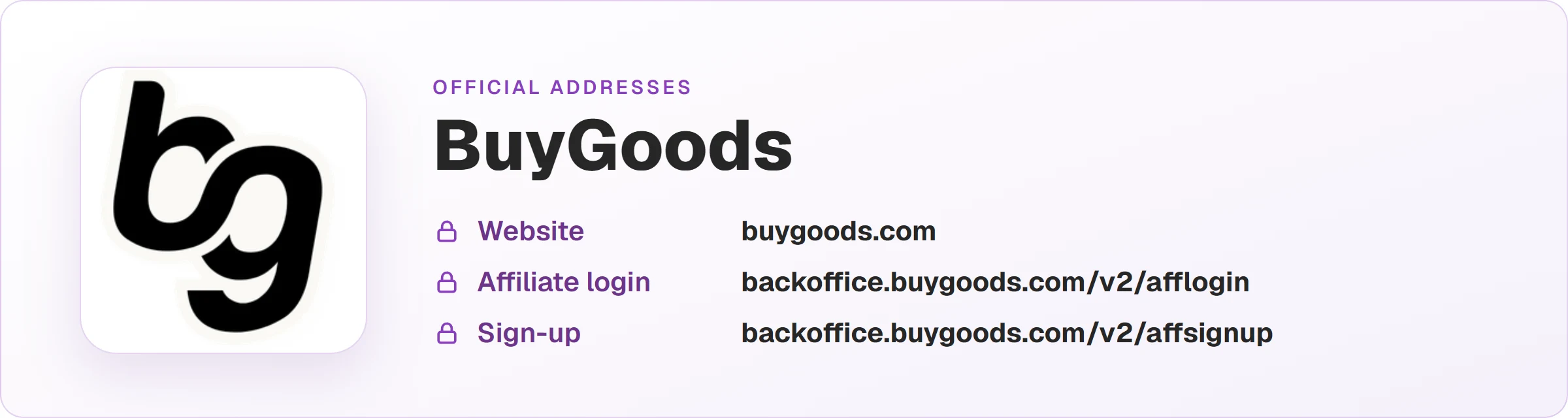
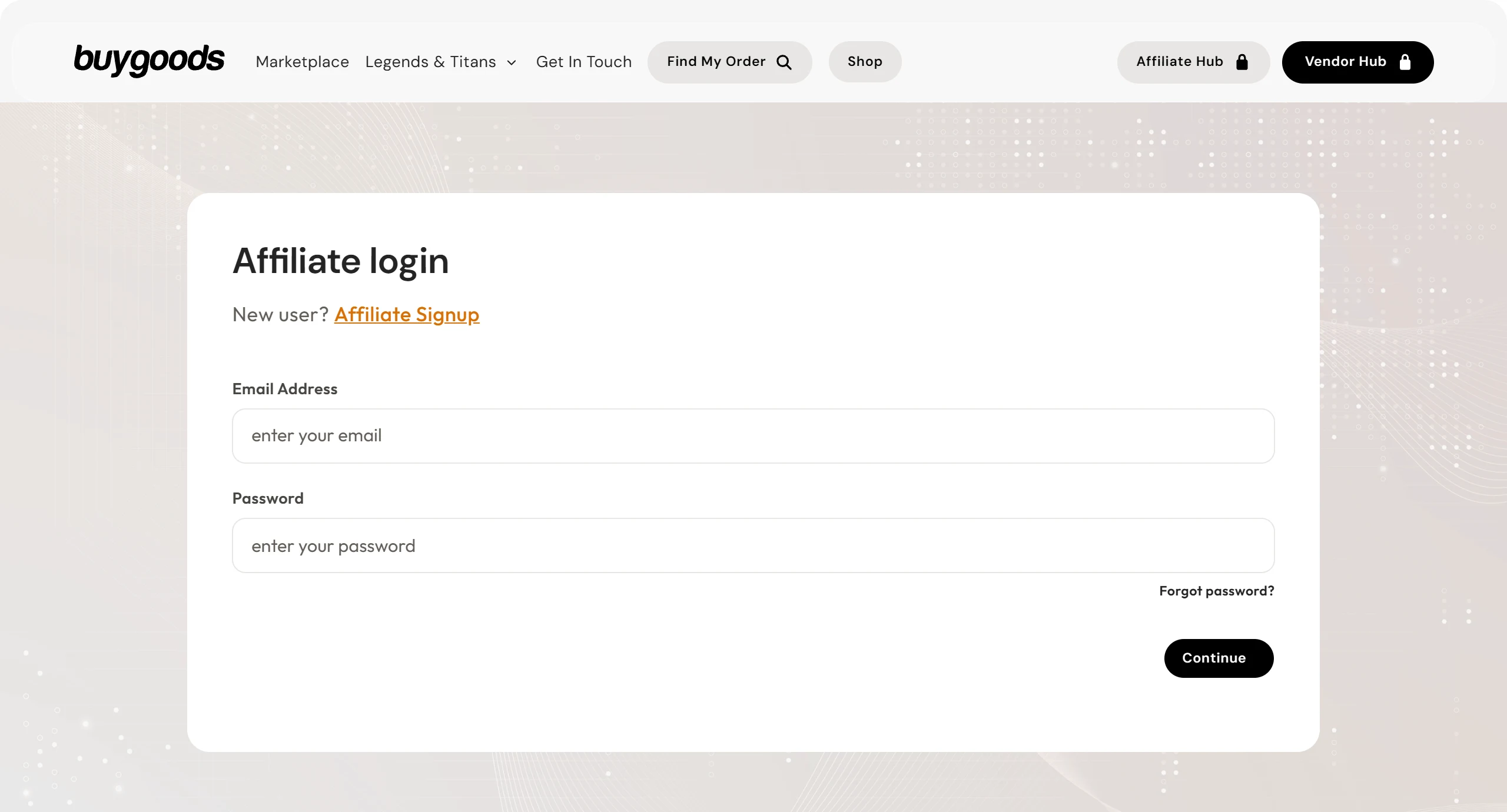
These are the official BuyGoods addresses. Check that your browser shows backoffice.buygoods.com before typing your password.
Read next
- How BuyGoods works and how affiliates earn
- How to get approved on BuyGoods: what to send with your application
- BuyGoods vs ClickBank: which one to choose as an affiliate
- How to sell BuyGoods on Google Ads and see every sale
Sources
Payout rules checked on October 25, 2026, on the official pages below. Check the current version before planning your cash flow.
- BuyGoods payments: frequency, methods and fees, first payment, verification and reserve
- BuyGoods FAQ: Payment Details
Want to know which ads bring BuyGoods sales?
Every sale shows up tied to the ad and keyword that brought it, and the sale alert reaches your phone.