
To get approved on BuyGoods, request affiliate access and include proof of past results or a referral: according to BuyGoods itself, entry is by recommendation, referral or proven track record, and every application is reviewed manually. Once you're in, each offer has its own rule: offers with a Promote button are available right away; offers with Apply to promote need the product owner's approval.
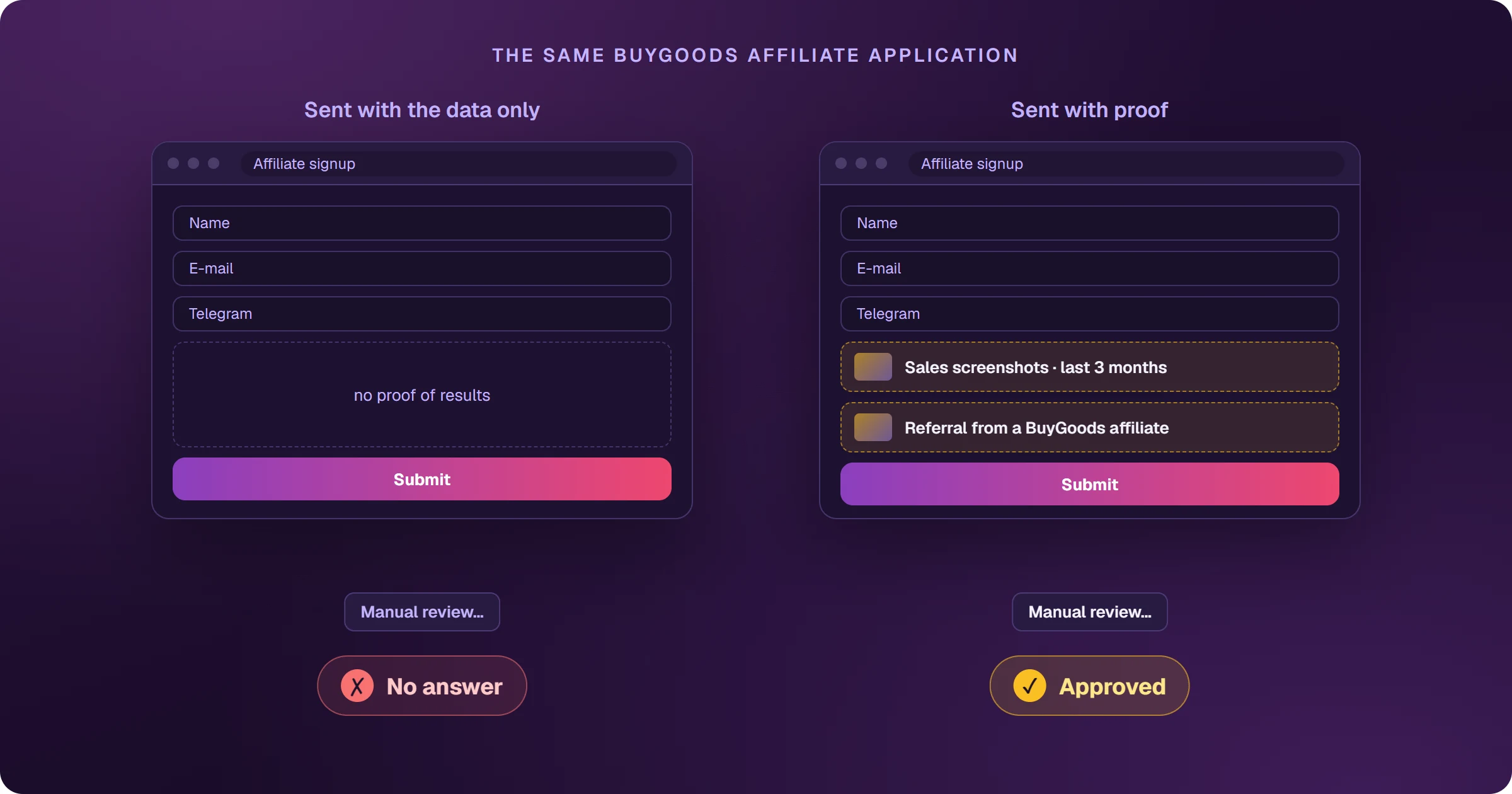
The application that never gets an answer
It's the most common complaint from people trying to join BuyGoods: the form was sent and nothing happens, or the answer is a rejection. Almost always the application arrived without what the review looks for — and since a person reads every application, an empty one has no way to be approved.
How do you request affiliate access?
- On the BuyGoods website, click Become an Affiliate (the official address is at the end of the article).
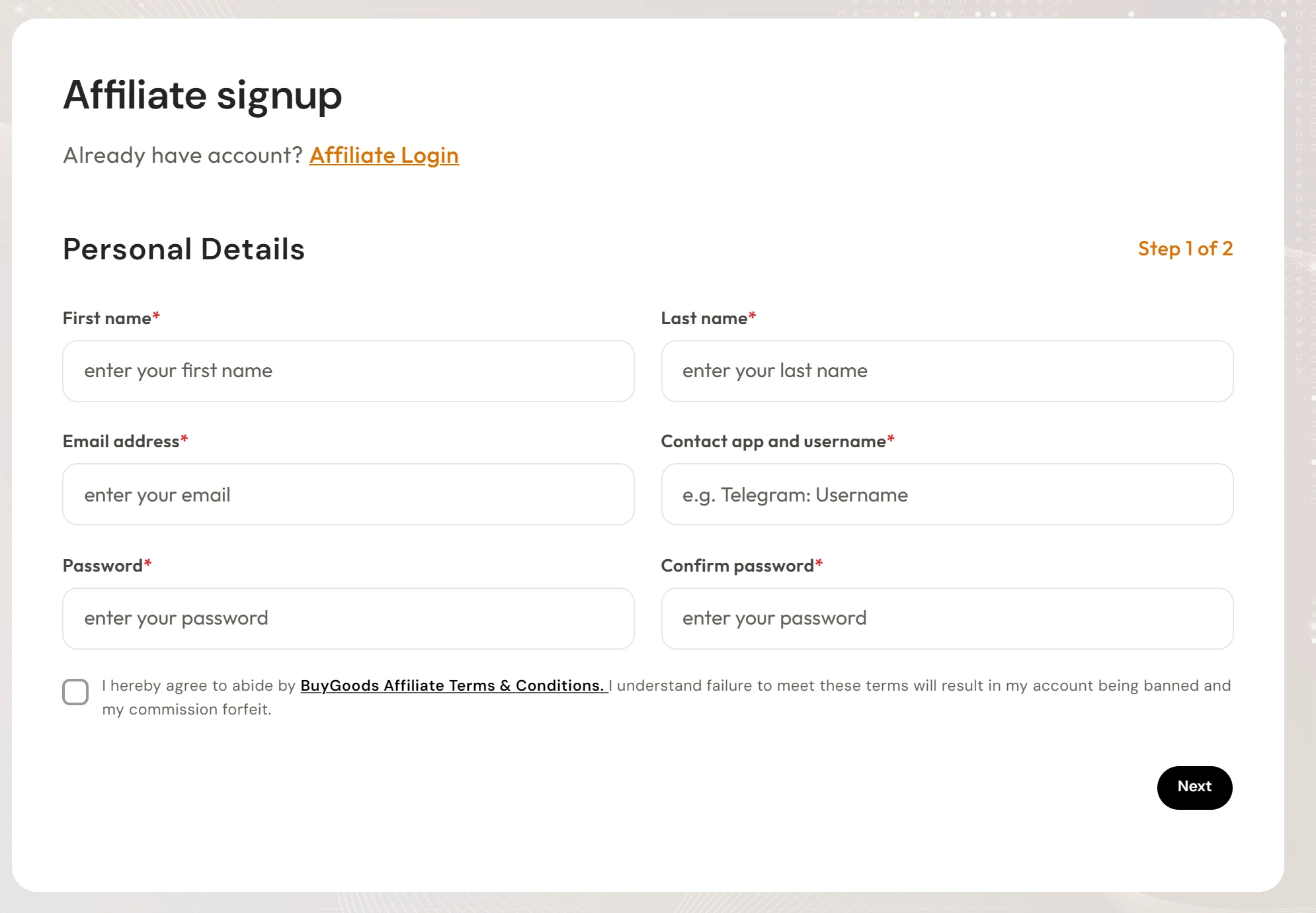
- On step 1 of 2, fill in your name, email, a contact app with your username — the form itself gives Telegram as the example — and a password, and accept the affiliate terms.
- Move to step 2 and submit the application. Use it to show your proof of results or referral.
What does BuyGoods ask for to approve an affiliate?
The BuyGoods affiliate page is direct: include proof of past performance or a referral. In practice, that means:
- Proof of results: screenshots of sales or commissions on other platforms, with dates and amounts visible.
- Referral: the contact of someone who already works with BuyGoods — an affiliate or a platform manager.
- How you will promote: your traffic source and the kind of offer you plan to run.
No results yet? Start on a platform with open entry, get your first sales and come back with the screenshots. ClickBank, for example, accepts any affiliate — see BuyGoods vs ClickBank.
Promote or Apply to promote: how to unlock an offer
Approved on the platform, you still need to unlock each offer. On the campaigns page, the button shows the rule:
- Promote: the offer is available right away. Follow the quick steps and get your link.
- Apply to promote: the offer is whitelisted and needs approval. If there's no answer within 48 hours, email [email protected].
Frequently asked questions
How much does it cost to join BuyGoods?
The BuyGoods website doesn't mention any fee to request affiliate access; you apply through the sign-up form, and access depends on the review.
How long does approval take?
BuyGoods doesn't state a timeline for applications. For whitelisted offers (Apply to promote), the guidance is to contact affiliate support if there's no answer within 48 hours.
Approved and with your offer unlocked? The next step is traffic. See how to sell BuyGoods with Google Ads.
Where do you access BuyGoods?
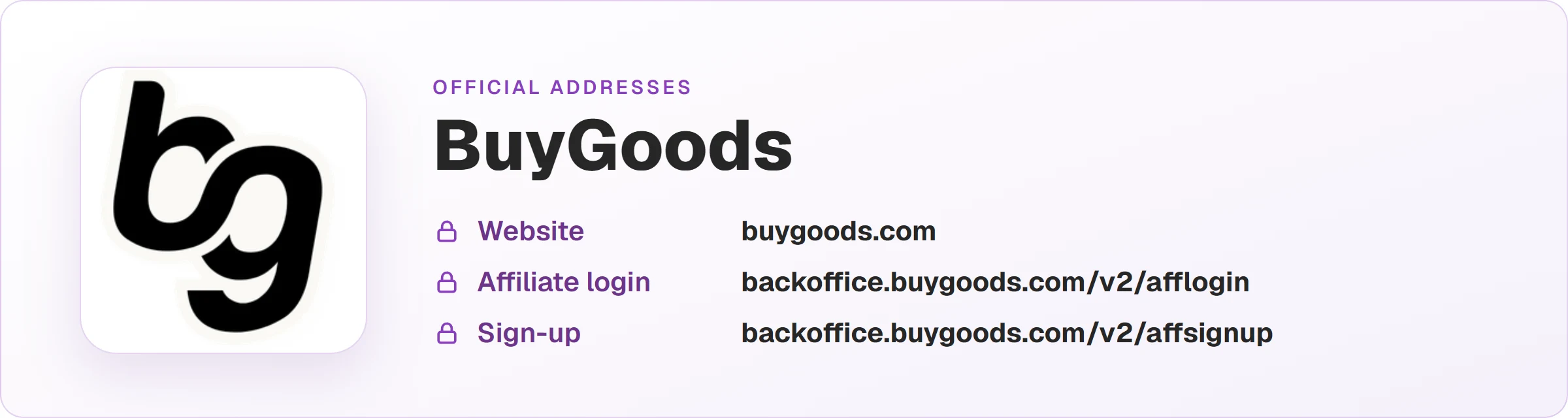
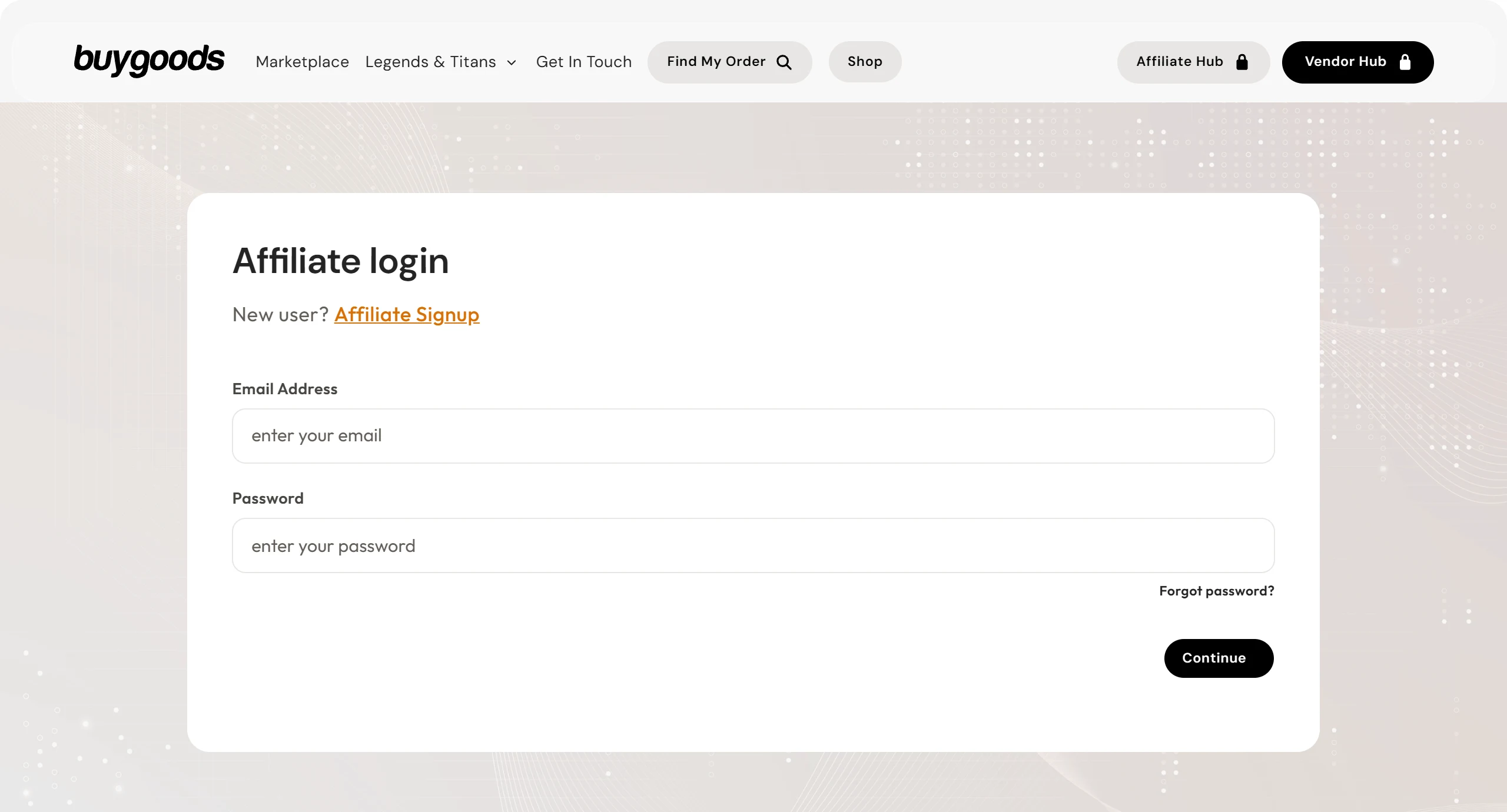
These are the official BuyGoods addresses. Check that your browser shows backoffice.buygoods.com before typing your password.
Read next
- How BuyGoods works and how affiliates earn
- How to get paid by BuyGoods: payout days and methods
- BuyGoods vs ClickBank: which one to choose as an affiliate
- How to sell BuyGoods on Google Ads and see every sale
Sources
Entry rules checked on October 25, 2026, on the official pages below.
- BuyGoods website: affiliate entry and manual review
- BuyGoods FAQ: Promote and Apply to promote offers
Planning to sell BuyGoods offers with Google Ads?
The presell comes ready on your domain and leads to the sales page, every sale shows the ad that brought it, and the sale alert reaches your phone.