
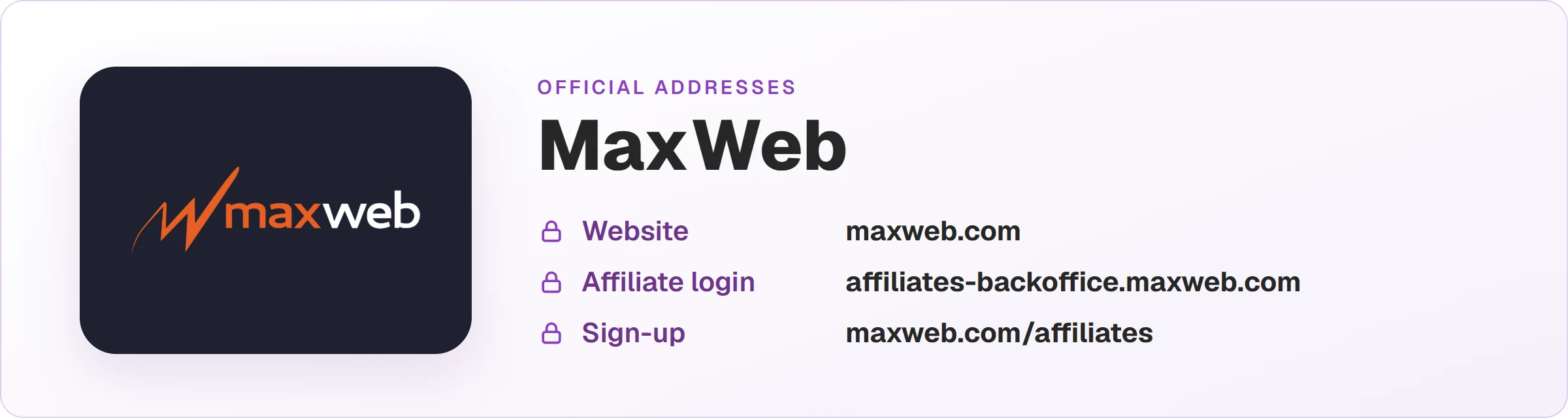
To get approved on MaxWeb, sign up at maxweb.com/affiliates and fill in the second step carefully: it asks how you'll promote, your traffic channels, how much traffic you drive per month, your websites and two industry references, each with name, Telegram and email. That step is what the review reads.
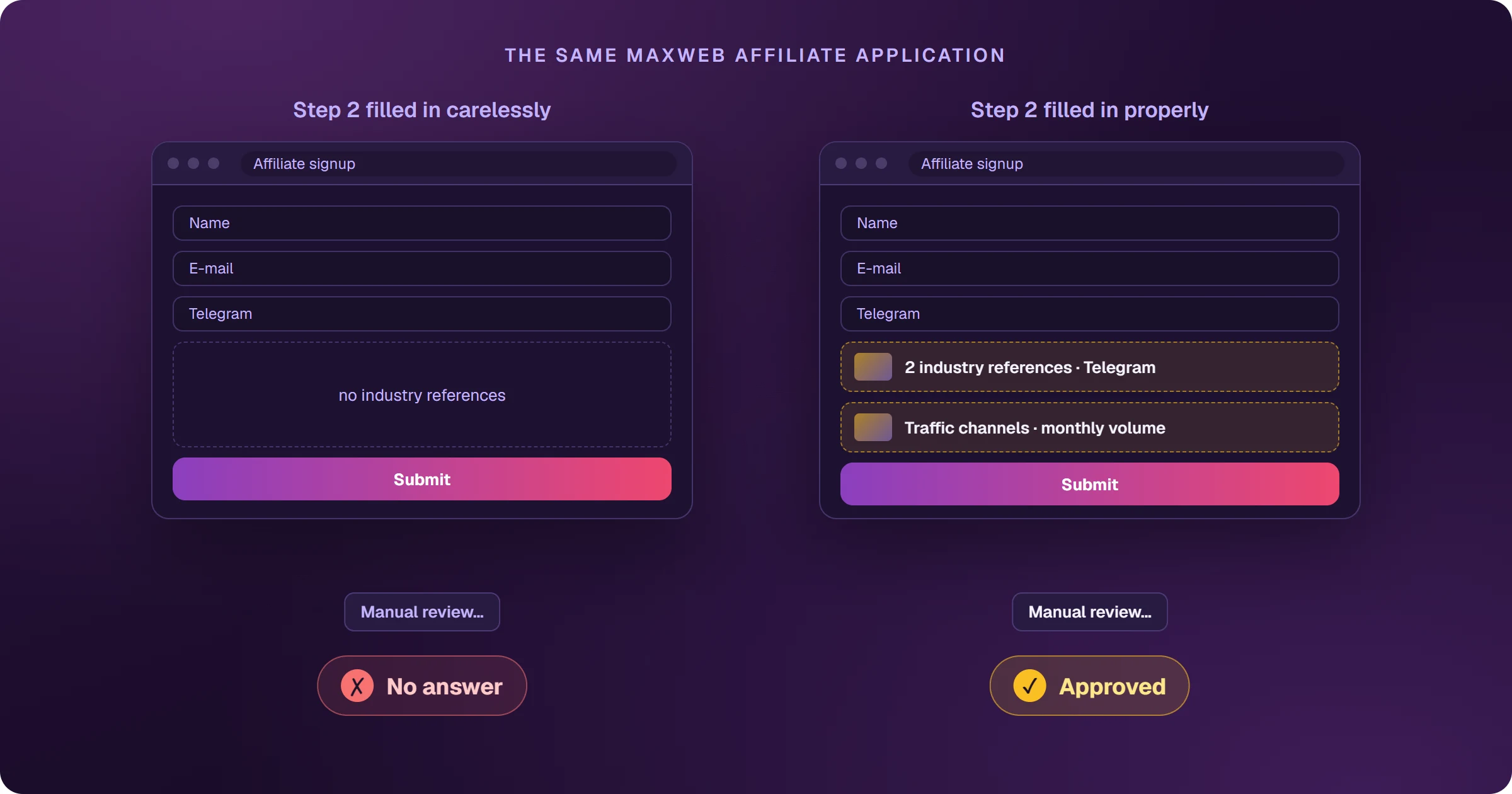
The application that stalls on step two
Step one is quick: name, email, Telegram and password. Step two is where many people stop — or fill it in carelessly. It asks for two people in the industry who know your work, and an application without real references has little chance of getting through.
What does the MaxWeb application ask for?
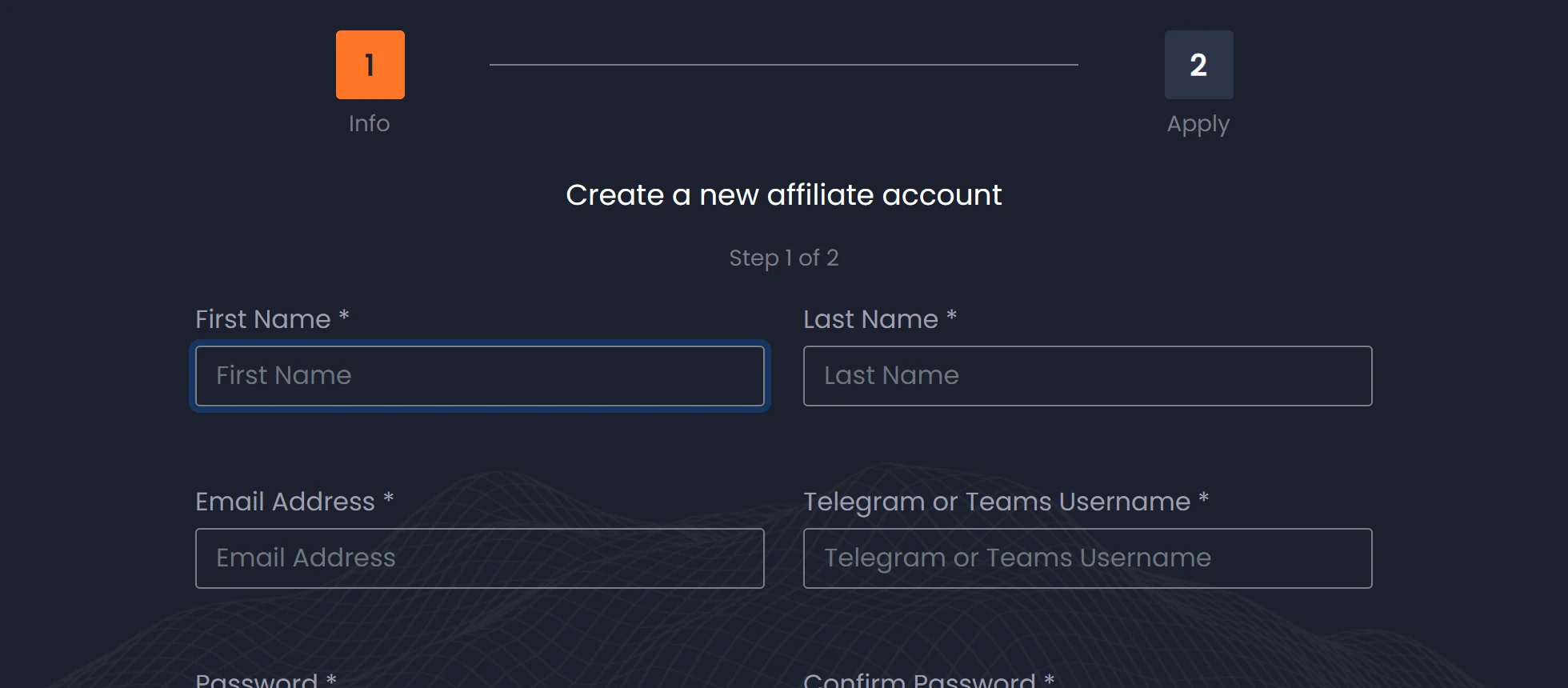
Step 1 — Info
First name, last name, email, Telegram or Teams username and password. Telegram or Teams is how MaxWeb usually reaches affiliates.
Step 2 — Apply
Here MaxWeb wants to know your traffic and who can vouch for you:
- How you will promote the offers.
- Your traffic channels (Google Ads, Meta, native, email…).
- Roughly how much traffic you can drive per month.
- Your websites.
- Two industry references: name, Telegram and email for each.
An industry reference is someone in affiliate marketing who knows your work — an affiliate manager at another network, an advertiser, another affiliate. Let them know first: MaxWeb may contact them.
How to unlock an offer once approved
In the campaign showcase, each offer shows its rule: Promote gives you the link right away; Apply to promote sends an approval request for that offer.
Frequently asked questions
Can I join MaxWeb without references?
The form marks both references as required. If you don't have industry contacts yet, start on a network with open entry, build a track record and come back — see MaxWeb vs ClickBank.
How much does it cost to join MaxWeb?
The sign-up page doesn't mention any affiliate fee; you apply through the form, and access depends on the review.
Approved and with your offer unlocked? The next step is traffic. See how to sell MaxWeb on Google Ads.
Read next
- How MaxWeb works and how affiliates earn
- How to get paid by MaxWeb: payout days and methods
- MaxWeb vs ClickBank: which one to choose as an affiliate
- How to sell MaxWeb on Google Ads and see every sale
Where do you access MaxWeb?
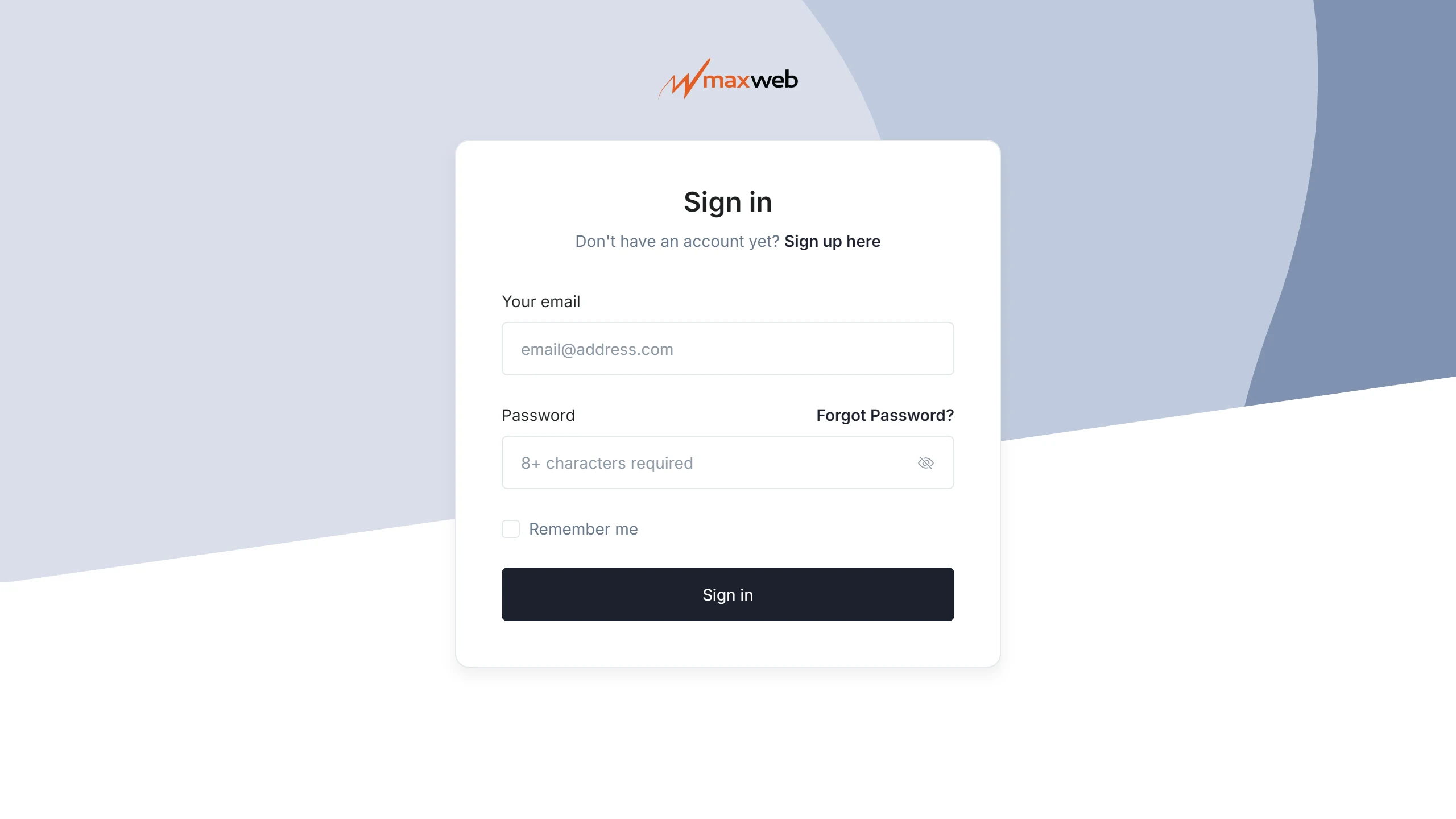
These are the official MaxWeb addresses. Check that your browser shows affiliates-backoffice.maxweb.com before typing your password.
Sources
Application fields checked on October 25, 2026, on the official page below.
- MaxWeb affiliate sign-up: fields on both steps
- MaxWeb FAQ: offers, postback and retries
Planning to sell MaxWeb offers with Google Ads?
The presell comes ready on your domain and leads to the sales page, every sale shows the ad that brought it, and the sale alert reaches your phone.